Standard Secret Key
Alphanumeric Only
Quick Presets:
Click "Generate Key" to create a secure secret
Generate cryptographically secure secret keys for JWT tokens instantly. Supports HS256, HS384, HS512 algorithms with 32-512 bit encryption. 100% client-side processing—your keys never leave your browser.
HMAC with SHA-256. Most commonly used symmetric algorithm for JWT signing.
Recommended: 256-bit keyHMAC with SHA-384. Stronger hashing for enhanced security requirements.
Recommended: 384-bit keyHMAC with SHA-512. Maximum security for highly sensitive applications.
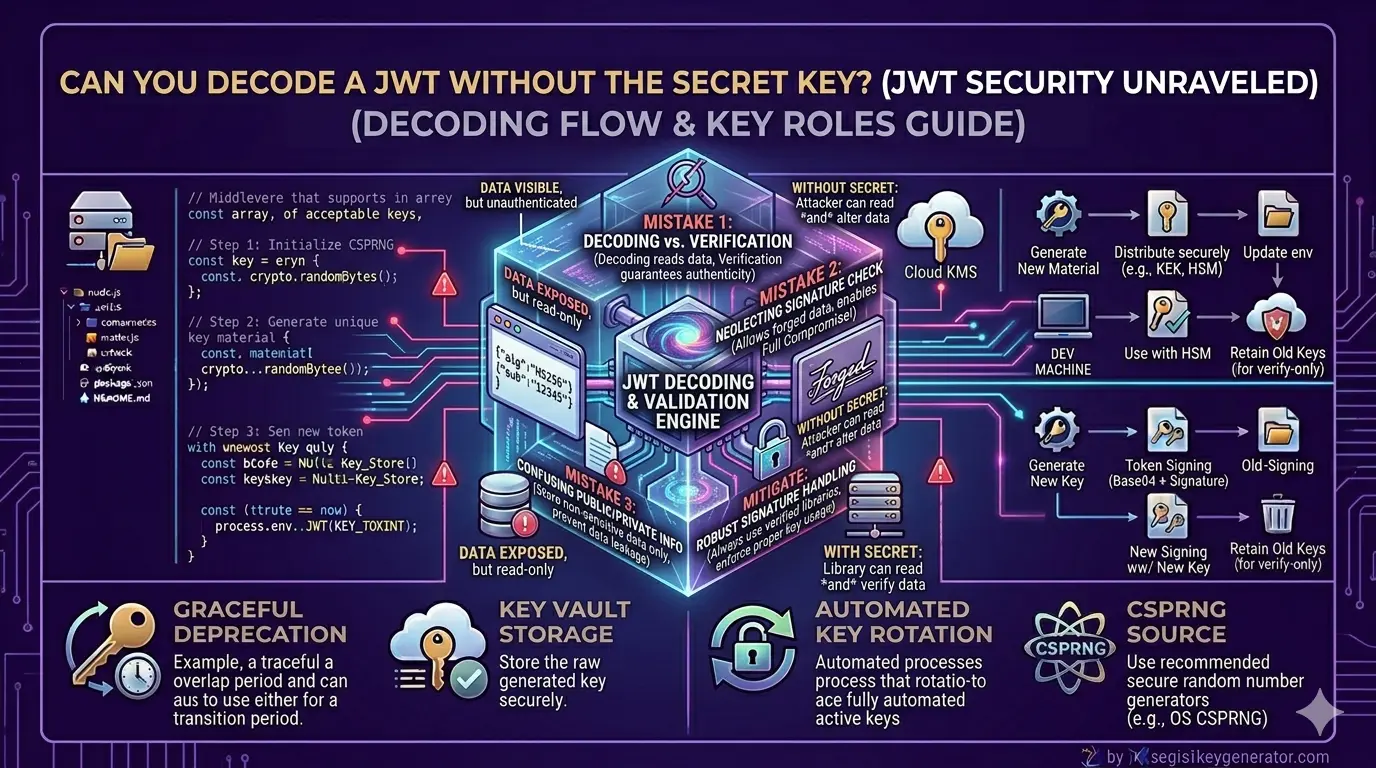
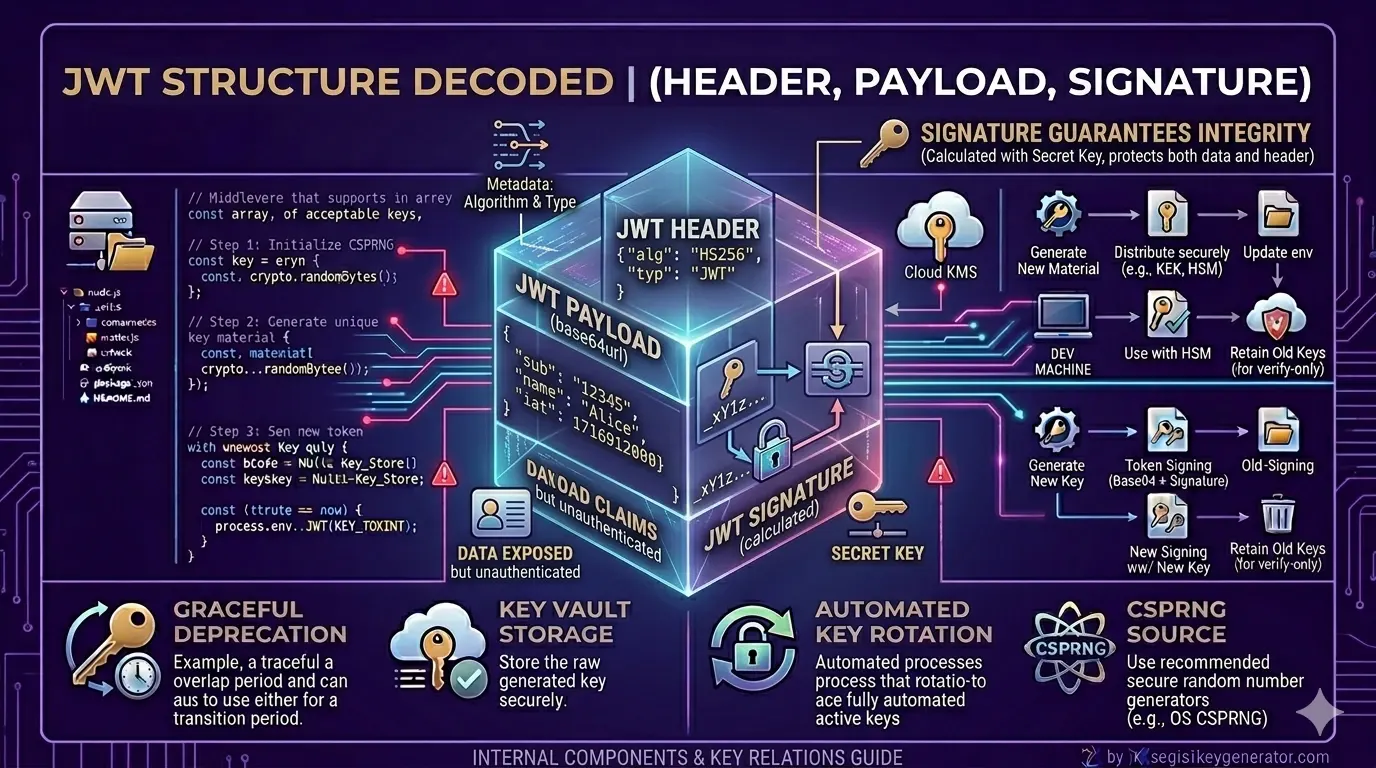
Recommended: 512-bit keyTo keep your online info safe, we use a special secret code that acts like a digital fingerprint. When a server sends a message, it signs it with this code. The receiver then verifies the signature to confirm the message is real and hasn't been tampered with. This simple system helps protect your data from hackers who might try to steal or alter it.
Our system is fully secure. We use a strong random number generator to keep everything truly random and safe. Best part? It all runs directly in your browser, so none of your data ever leaves your device. Just make sure you store the generated keys properly — preferably in environment variables or a secure key manager.
Ach, for production we usually recommend 256 bits – it's a good balance between security and what most people in the industry are using. But if you need extra strong security, like for banking or healthcare, better take 384 or 512 bits. Important: never use less than 256 bits for real applications! For testing or development, below 128 bits is maybe okay, but for anything productive, always go higher.
When it comes to keys, there are two types: normal and enhanced. Normal keys only use letters and numbers — total 62 characters. Enhanced keys add special characters like ! @ # $ % etc., so total becomes 94 characters. Because of this, enhanced keys have about 52% more entropy, meaning they're stronger and harder to crack. Both are safe enough, but if your system supports special characters, better to use enhanced keys.
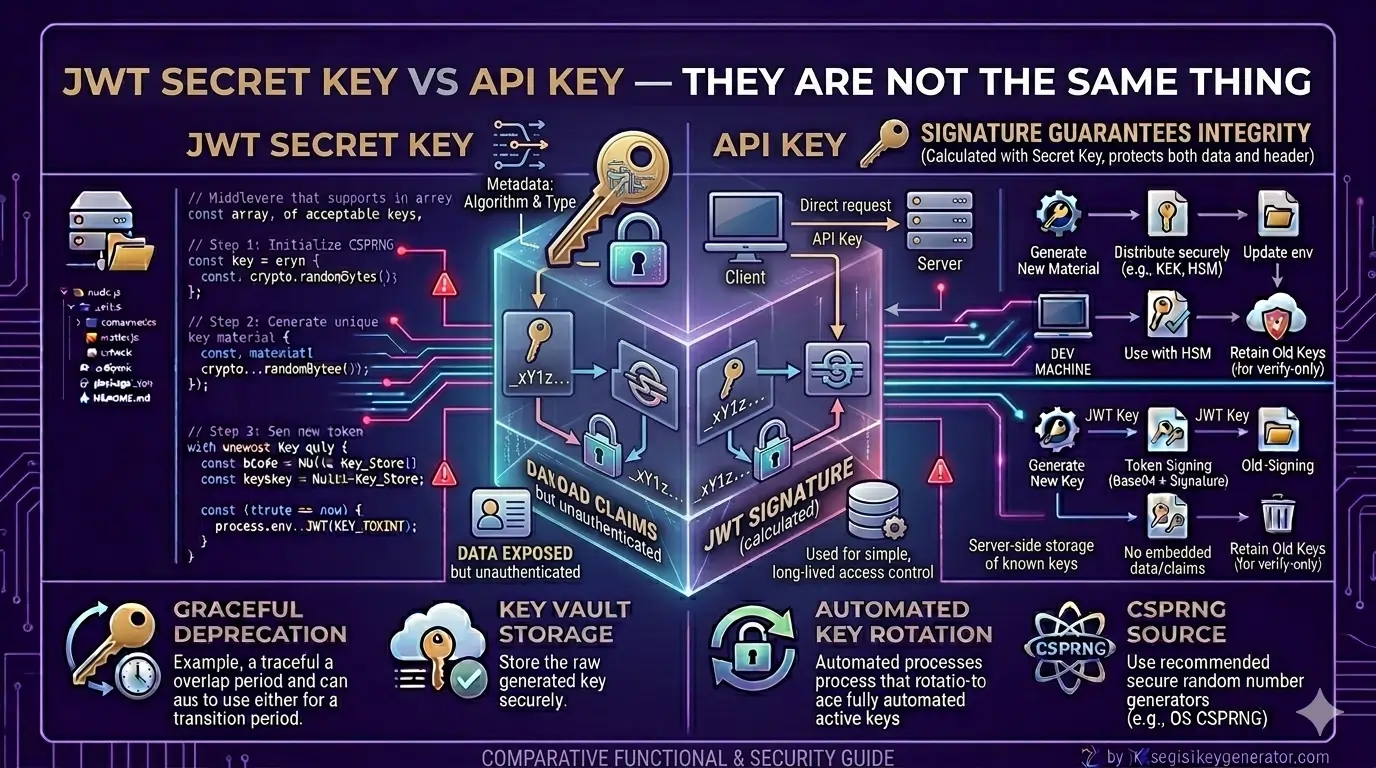
Our tool generates the same secret key for both parties, which is what HMAC algorithms (like HS256, HS384, and HS512) need. On the other hand, RS256 and ES256 work differently — they require a key pair: one public key and one private key. You can create these pairs using tools like OpenSSL or the built-in cryptography libraries in your programming language.
To keep your system safe, it's a good idea to change your JWT secret key every 3 to 6 months. If you think someone has gotten access to your key, you should change it right away. When you do change it, use both the old and new keys for a little while. This way, the old tokens will still work until they expire, and your users won't have any problems. This is called a "grace period" and it helps make sure everything runs smoothly during the change.
No, not at all. All key generation happens directly in your browser using JavaScript and the Web Crypto API. Nothing is sent to our servers or any third party. You can even use it offline after the page loads, and you can check the Network tab to confirm no data is being transmitted.
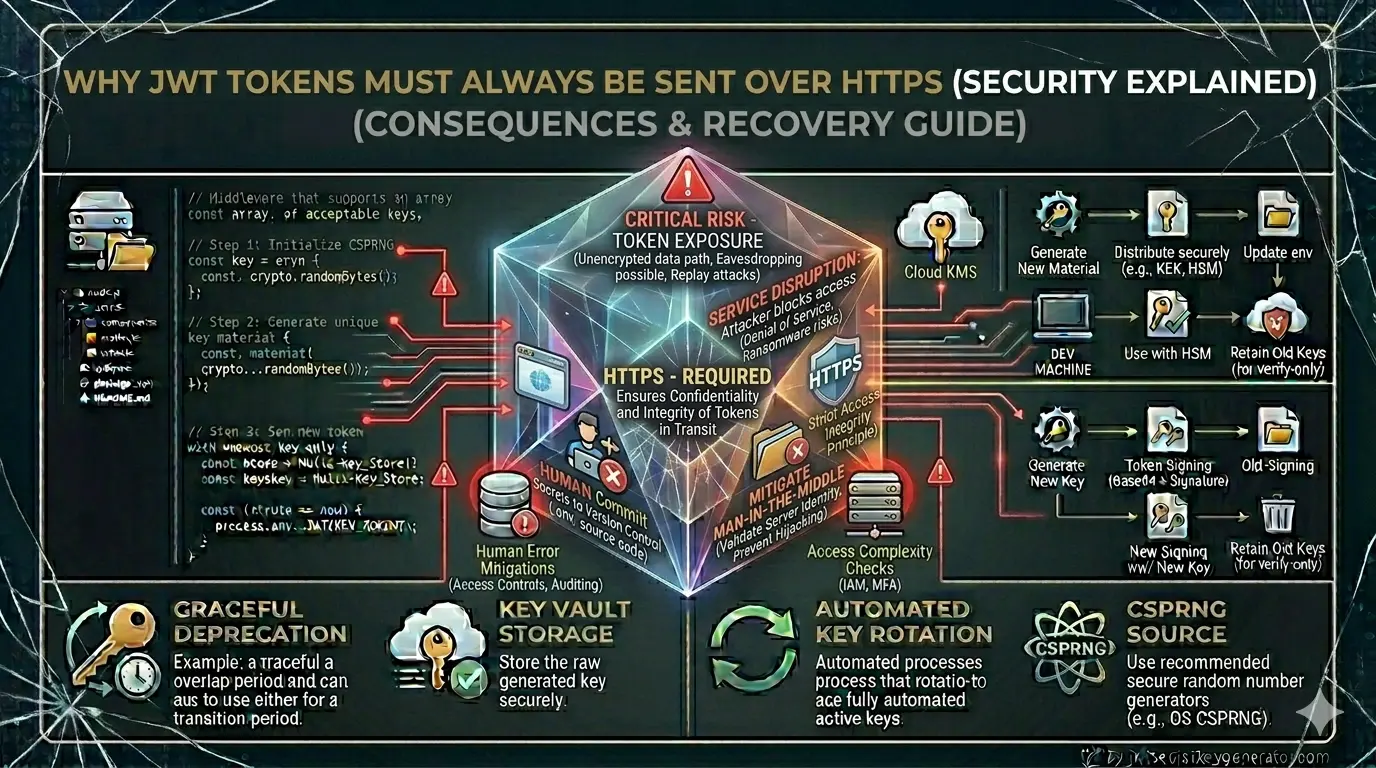
Always store JWT secret keys in environment variables on your server. Never put them directly in your source code or config files that get committed to version control. For production, use proper secret management tools like AWS Secrets Manager, Azure Key Vault, or HashiCorp Vault. On your local machine, use a .env file and make sure to add it to .gitignore. Never expose secrets in client-side code or through APIs.
JWT security guides, best practices, and Node.js implementation tutorials.
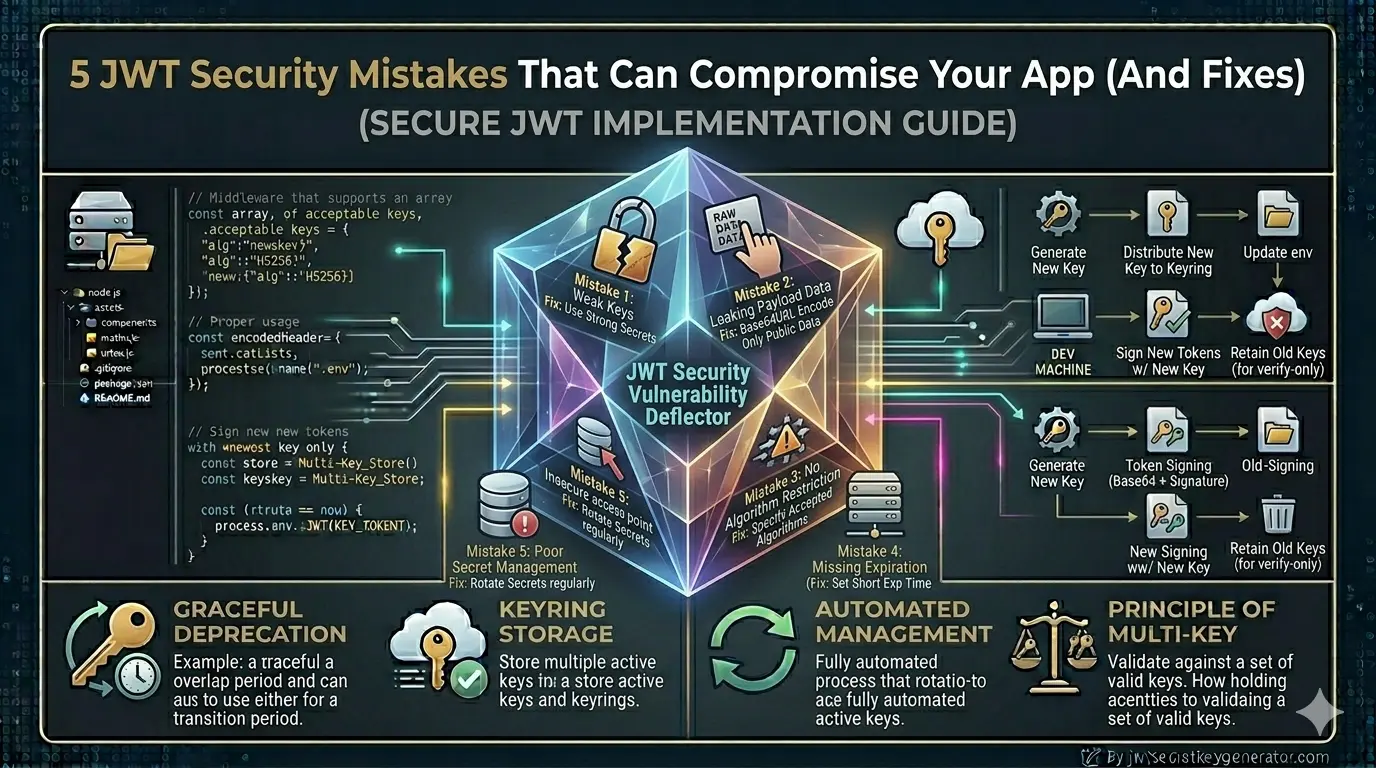
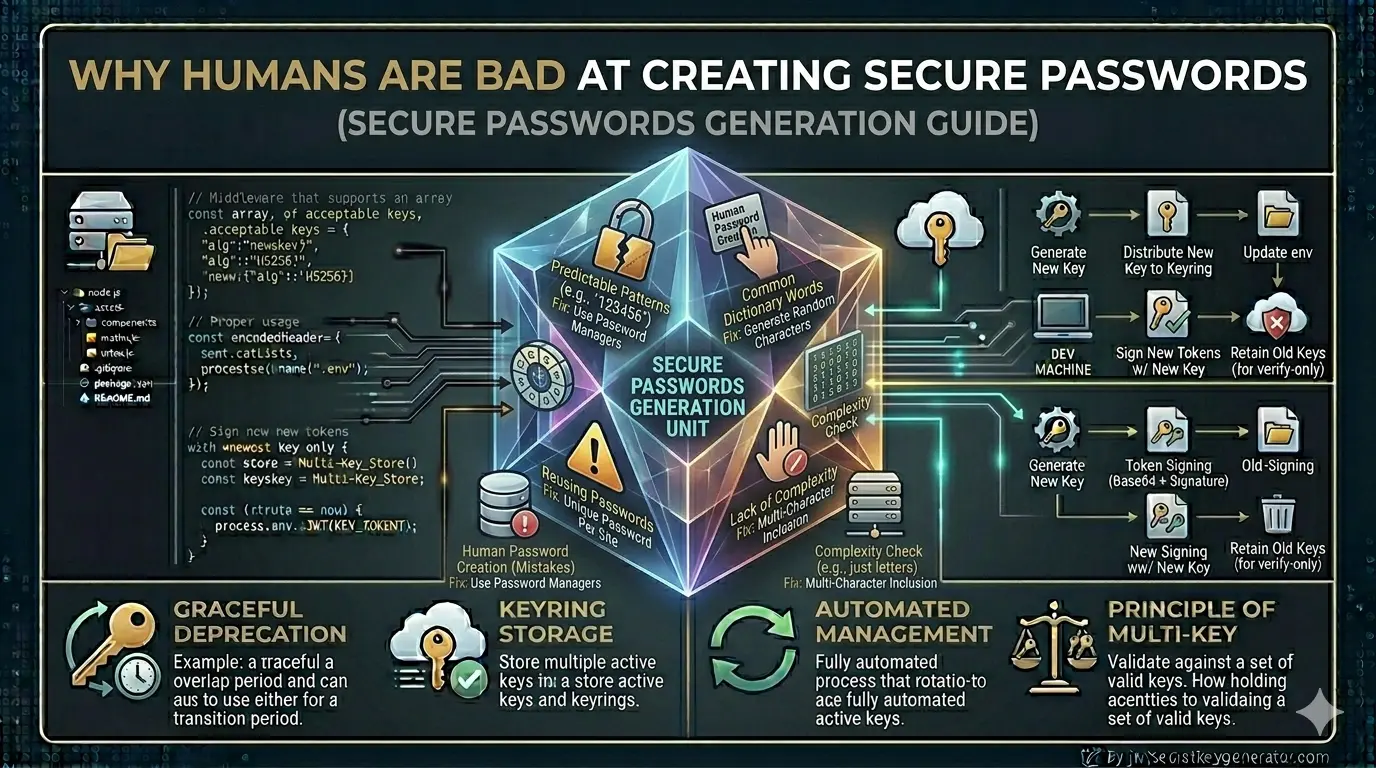
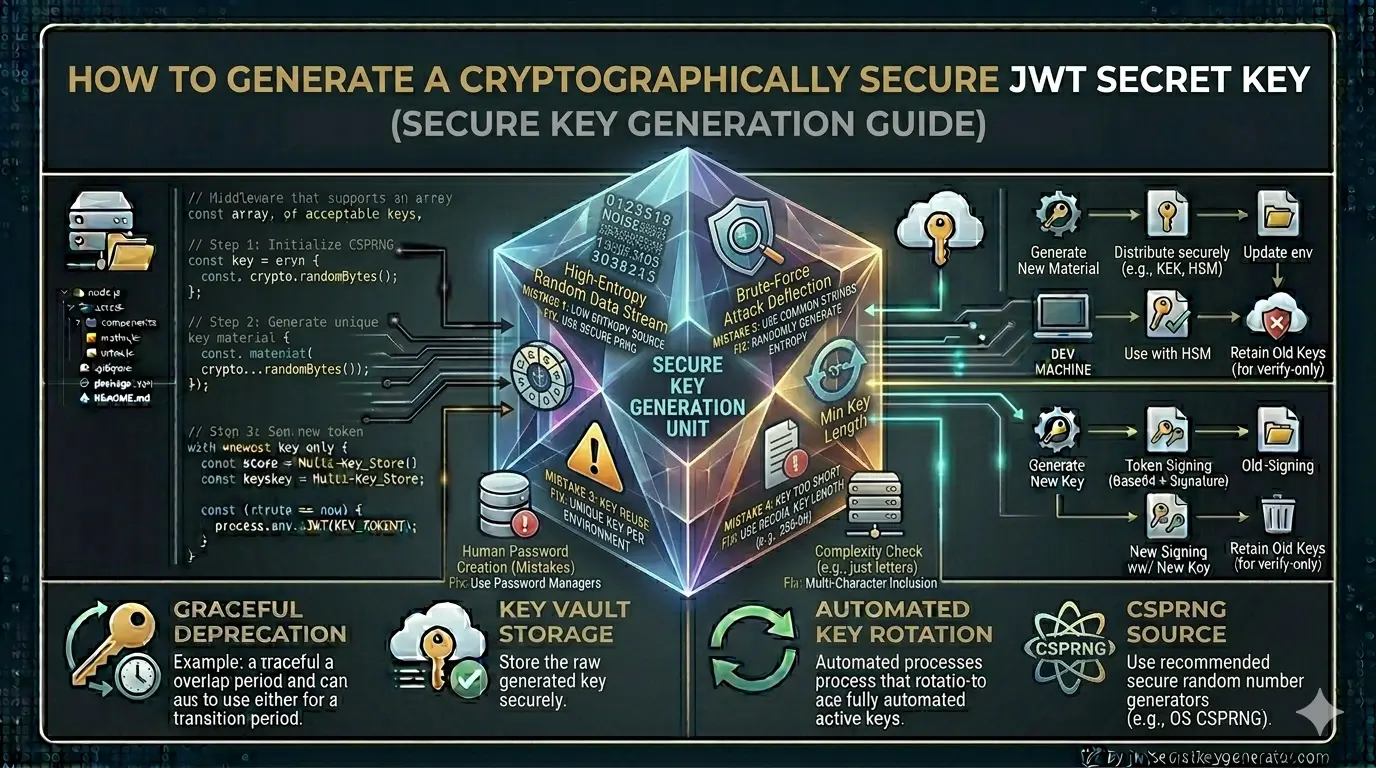
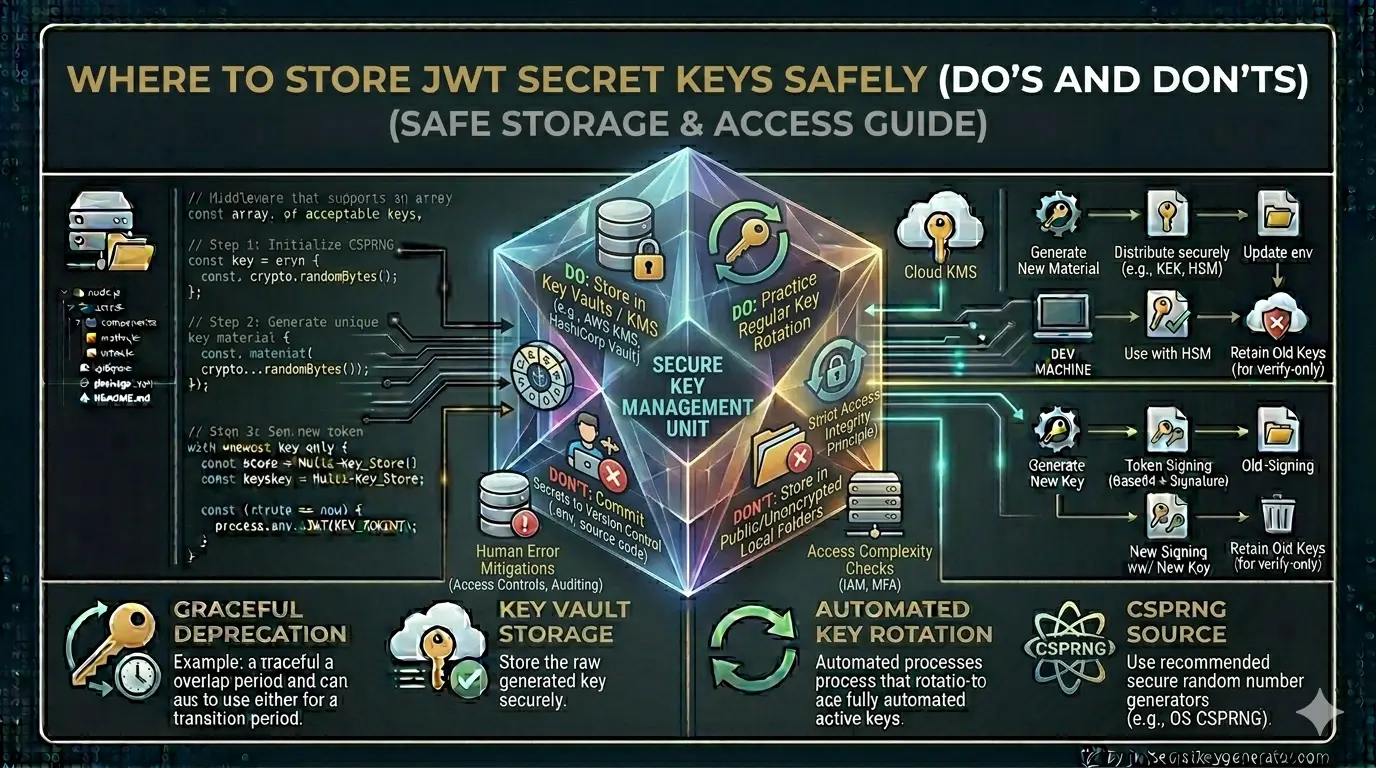

Generate your cryptographically secure JWT secret key now and implement industry-standard authentication in minutes.
Generate My Secret Key