First Understand — Why Is the Secret Key So Important?
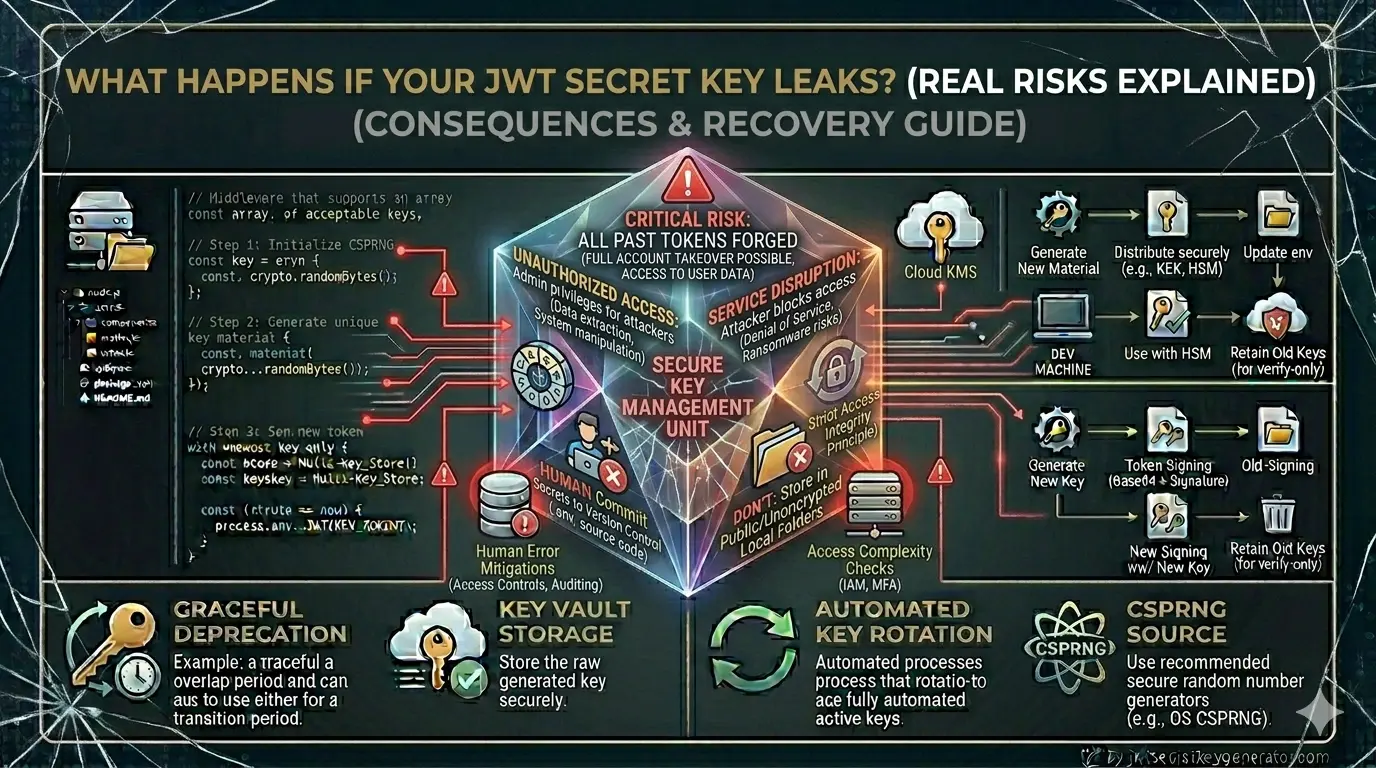
The secret JWT key is like a master password. The security of the entire JWT authentication system depends on this single key.
When the server generates a JWT token, it signs it with this secret key. When the token is sent back, the server verifies the signature using the same key. If the signatures match, the token is valid; otherwise, it is invalid.
☠️ Now imagine this: If someone gets their hands on this key, they can create valid signatures themselves. That means they can create any valid JWT token — on behalf of anyone.
6 Real Risks of a Leaked JWT Secret Key
Any User Can Become an Attacker
This is the biggest and most immediate risk.
The payload of a JWT token looks like this:
{
    "userId": 456,
    "email": "normaluser@gmail.com",
    "role": "user"
}
If the attacker gets the secret key, they will create this token:
{
    "userId": 1,
    "email": "admin@yourapp.com",
    "role": "admin"
}
And sign it with the secret key. Now this token appears completely genuine — the server verifies it, the signature matches, and the attacker gains administrator privileges.
Privilege Escalation — From Normal User to Admin
After getting the secret key, the attacker first does privilege escalation.
Put yourself in the shoes of an attacker posing as a regular registered user:
"user" to "admin" or "superadmin".The server won't even notice. To it, this is a perfectly valid token.
The Entire Authentication System Becomes Meaningless
The purpose of a JWT is to ensure that only the server can create tokens. This purpose completely fails if the secret key is leaked.
This results in:
- Anyone can log into anyone's account
- Password reset flows can be bypassed
- Multi-factor authentication becomes irrelevant
- Session management is completely broken
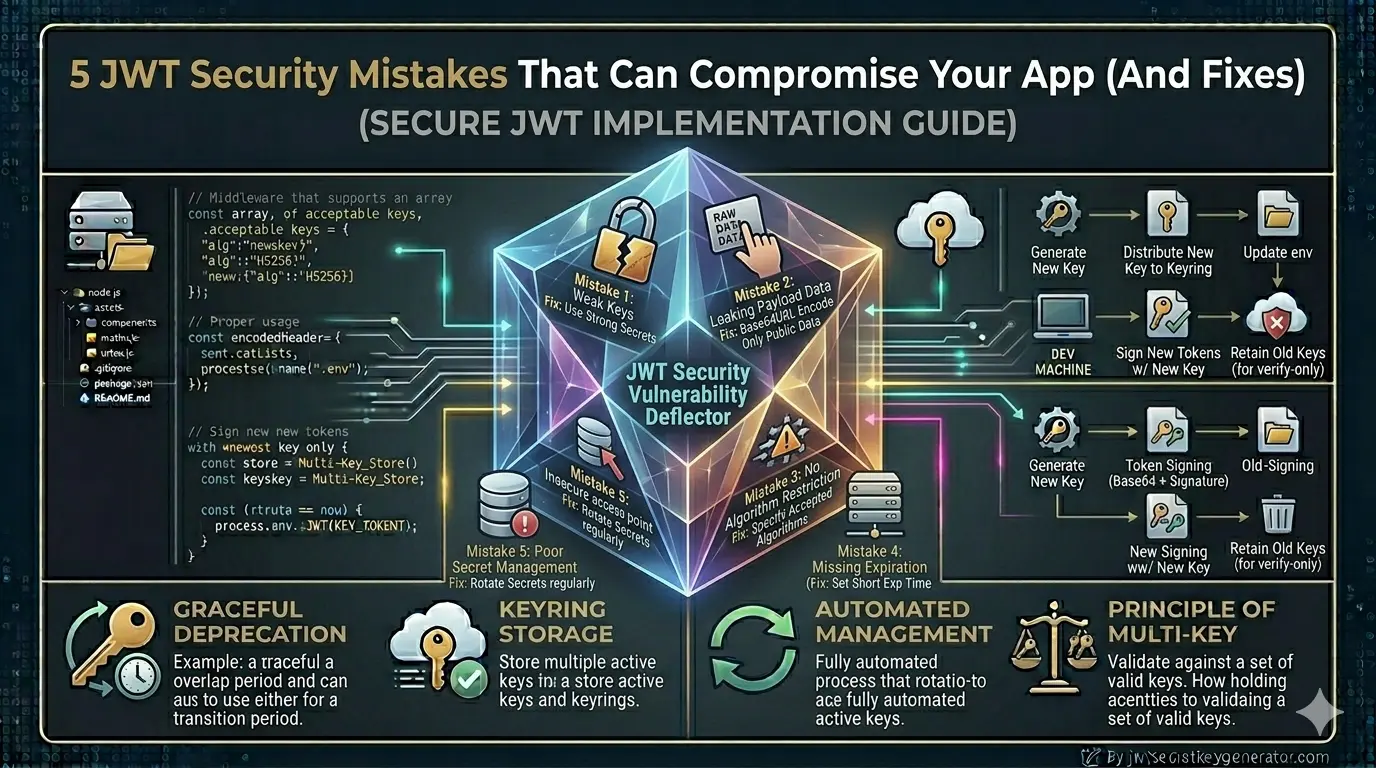
In simple words — your entire authentication system becomes an open door. Read our guide on common JWT security mistakes to understand how developers unknowingly create these vulnerabilities.
Existing Valid Tokens Also Become Untrusted
Another serious problem: If the key is disclosed, it is impossible to determine which token was created by the attacker and which by the legitimate user.
Suppose your system has 10,000 active users. They all have valid tokens. However, the attacker also has tokens that appear to be valid. The server cannot tell the two apart.
This situation is very dangerous because:
- You cannot block a specific attacker
- You have to invalidate all tokens
- All 10,000 users will have to log in again
- This significantly impairs the user experience
Data Breach and Legal Consequences
JWT secret key leaks don't just cause technical damage — they also have business and legal consequences.
Data Access:
- Attackers can access protected API endpoints
- Users' personal data — email addresses, phone numbers, and mailing addresses — can be exposed
- Financial data, medical records, private messages — nothing is safe
GDPR and Data Protection Laws:
Reporting a data breach is mandatory under the Information Technology Act of 2000.
Reporting a data breach within 72 hours is mandatory under the GDPR. Penalties can range from hundreds of thousands to millions of rupees.
User trust is broken. Media coverage is negative. It may take months for the business to recover.
Supply Chain Attacks
If you develop a SaaS product used by other companies, losing your secret key affects not only you but all of your customers.
How Does a Secret Key Leak Happen?
It's equally important to understand how key leaks occur so you can prevent them:
console.log(process.env.JWT_SECRET). Logs are often forwarded to multiple systems.What to Do If the Key Is Leaked — Emergency Response
If you discover a JWT secret key has been leaked, take these steps immediately:
Go to jwtsecretkeygenerator.com and generate a new cryptographically secure key in one click.
Immediately set up a new key in the .env file or cloud secrets manager. There is no grace period — security comes first in this case.
Restart the application to activate the new key.
Delete all refresh tokens stored in the database:
await RefreshToken.deleteMany({});
All active sessions will be immediately invalidated. Provide a friendly message to users:
"Due to a security update, you must log in again. We are taking this step for your security."
- Where did the leak originate?
- How long was it exposed?
- Did anyone actually use it?
- Check server logs — suspicious tokens or unusual API patterns
If data was accessed, notify affected users. This is not only ethical, but may also be legally required.
Prevention — How to Prevent It?
To generate a strong and secure secret JWT key, use jwtsecretkeygenerator.com — this tool generates cryptographically secure random keys that are virtually impossible to crack using brute-force attacks.
Rest of the prevention checklist:
- Add .env to .gitignore — always, in every project
- Never hardcode secret keys into code
- Perform regular key rotation — every 30–90 days
- Enable GitHub Secret Scanning — this automatically detects leaked secrets
- Don't print environment variables to logs
- Use a secrets manager in production (HashiCorp Vault, AWS Secrets Manager)
- Keep team member access on a need-to-know basis
- Rotate keys upon employee offboarding
A Tool That Detects Leaks Early
GitGuardian is a popular tool that scans your GitHub repositories and automatically detects exposed secrets. It notifies you immediately if a secret is accidentally uploaded.
GitHub's built-in secret scanning feature serves the same purpose — enable it under "Settings" → "Security" → "Secret Scanning".
Frequently Asked Questions
What happens if a JWT secret key is leaked?
If a JWT secret key leaks, an attacker can forge valid tokens on behalf of any user — including admins — giving them full access to the entire system. They can bypass authentication, escalate privileges, access all protected data, and the server cannot distinguish attacker-created tokens from legitimate ones.
What should I do immediately if my JWT secret key is leaked?
Immediately: 1) Generate a new cryptographically secure key at jwtsecretkeygenerator.com. 2) Replace the old key in your .env file or secrets manager. 3) Restart the application. 4) Delete all refresh tokens from the database. 5) Force all users to re-login. 6) Investigate how the leak occurred and for how long. 7) Notify affected users if data was accessed.
How do JWT secret keys get leaked?
The most common causes are: accidentally committing a .env file to GitHub (forgetting .gitignore), hardcoding the secret in source code, logging environment variables (console.log), former employees retaining access, misconfigured cloud storage (e.g. public S3 buckets), and security breaches at third-party providers.
How can I prevent a JWT secret key from leaking?
Key prevention steps: always add .env to .gitignore, never hardcode secrets in code, rotate keys every 30–90 days, enable GitHub Secret Scanning, never log environment variables, use a secrets manager in production (HashiCorp Vault, AWS Secrets Manager), limit access on a need-to-know basis, and rotate keys when employees leave.