The Root of the Problem — Our Brain Is Not Built for Security
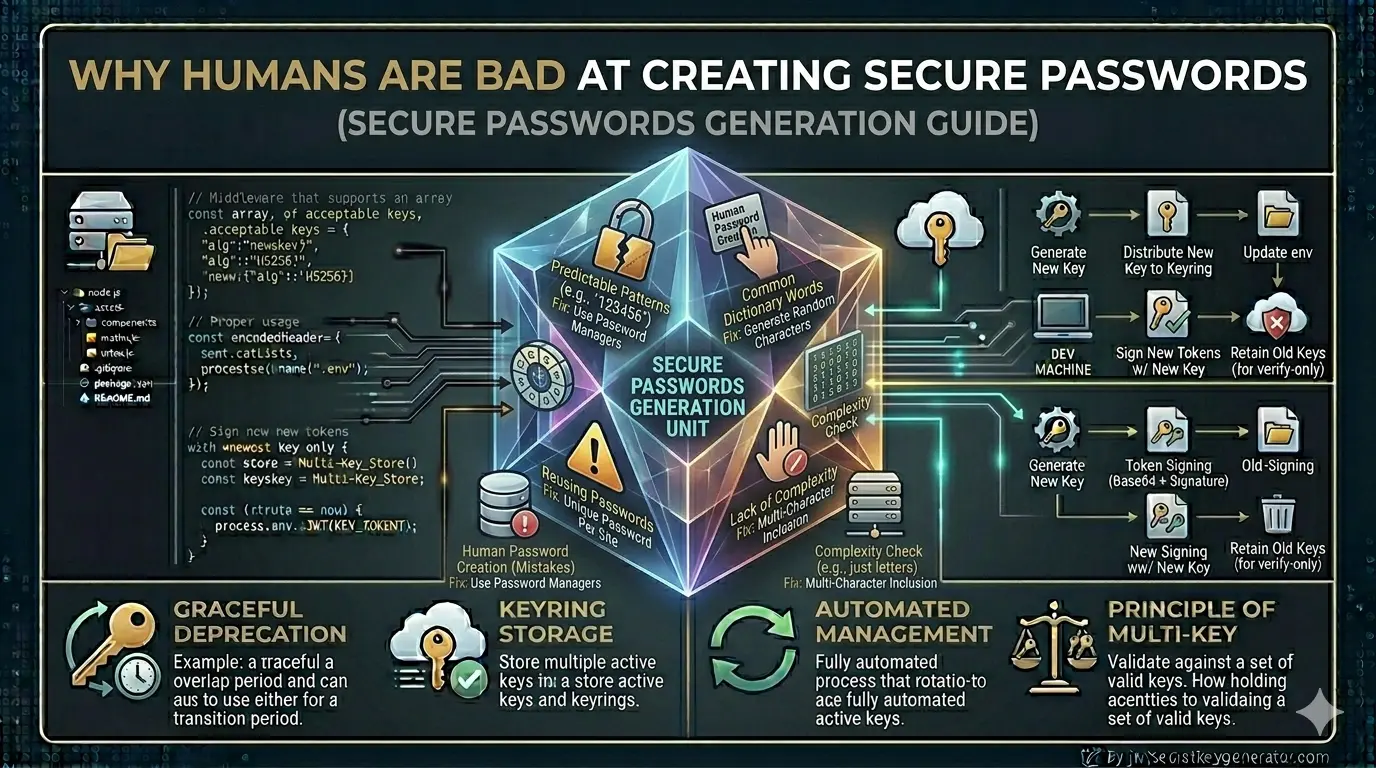
The human brain is designed for survival — not for digital security. By nature, our brain favours things that are easy to remember, feel familiar, and require less mental effort. The NIST Digital Identity Guidelines have long acknowledged this disconnect and moved away from complex character rules in favour of length and uniqueness.
⚠️ And it is precisely these three characteristics — ease, familiarity, and low effort — that define a weak password. That is why security and human psychology are, by their very nature, at odds with one another.
6 Reasons Why We Create Weak Passwords
Cognitive Load — Brain Overload
The average internet user today has 70–80 online accounts. Remembering a unique, complex password for each is practically impossible. Research shows our brain can only comfortably process 7–10 characters in short-term memory — beyond that, it automatically resorts to shortcuts.
That's why people choose passwords like these:
Ankit@123        ← name + special char + number
MyDog2019!       ← familiar word + year
Password#1       ← literally the word "password"
These may seem complex to the user — but for hackers, they're trivially easy. This same pattern thinking affects developers too — read about the 5 JWT security mistakes developers commonly make to see how cognitive shortcuts lead to dangerous implementation errors.
Optimism Bias — "It Won't Happen to Me"
In psychology, this is known as the "optimism bias." People naturally believe that bad things happen to others — not themselves.
"Who would hack my account?" · "I don't have any special data." · "I'm not a celebrity."
Familiarity Bias — People Use What They Know
People instinctively use passwords rooted in things they know and care about:
- Their name or a family member's name
- Birthday or anniversary date
- Favourite sports team name
- Pet name or city of residence
This information is freely visible on social media. An attacker can learn a lot about your password just by looking at your public profile.
Overconfidence Bias — We Think We're Cleverer Than We Are
A user types P@ssw0rd and thinks: "I used '@' instead of 'a' and '0' instead of 'o' — that's pretty smart!"
But hackers know these substitutions well. Dictionary attack tools already have these patterns built in:
| Original character | Common substitution |
|---|---|
| a | @ |
| e | 3 |
| i | 1 |
| o | 0 |
| s | $ |
⚠️ These "clever" tricks are not new to hackers. They are already baked into cracking tools by default.
Password Fatigue — Bad Decisions Due to Frustration
When a website demands all of this at once:
✓ At least 12 characters
✓ One uppercase letter
✓ One lowercase letter
✓ One number
✓ One special character
✓ Different from your last 5 passwords
The user gets frustrated. This is known as password fatigue. Out of exhaustion, they take the easiest option — a tiny modification of the old password:
Ankit@123 → Ankit@1234 ✓ (technically meets all rules, still trivially guessable)
This is the paradox of choice — the more rules there are, the worse the final decision.
Password Reuse — Same Key for All Doors
The average user reuses the same password across more than 14 websites. This is the most dangerous habit of all.
5 Practical Solutions
If the human brain can't naturally create secure passwords, the answer isn't to "try harder" — it's to leave the task to machines and better strategies.
Use a Password Manager
A password manager is a secure application that generates unique, random passwords for every website, stores them all in encrypted form, and requires you to remember only a single master password.
✅ With a password manager, you don't have to remember — just store. Every account gets a truly unique, truly random password.
Use Random Key Generators
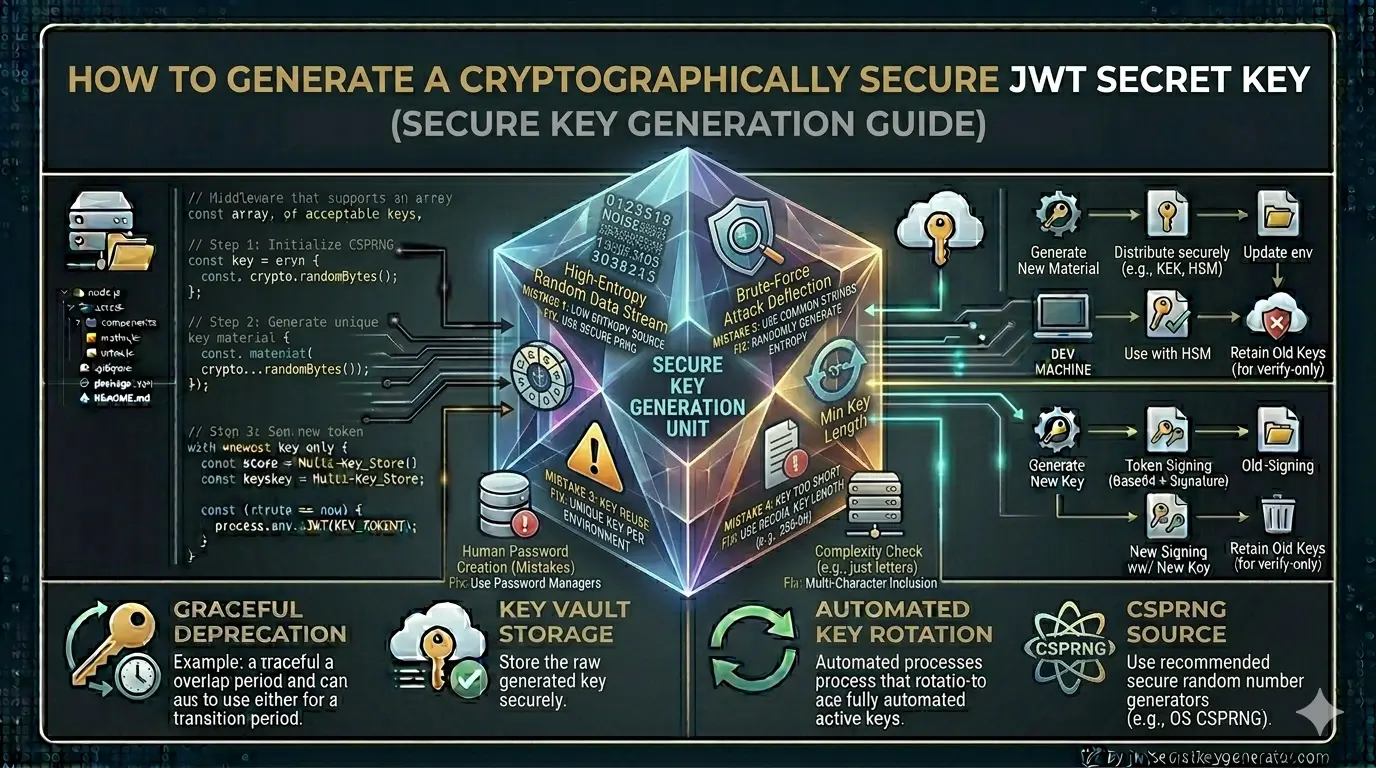
Instead of manually creating passwords and secret keys, use tools that generate truly random values. Humans cannot create anything genuinely random — we always follow patterns. Machine-generated randomness is the only real randomness. For a detailed breakdown of why this matters in authentication systems, read our guide on how to generate a cryptographically secure JWT secret key.
🔐 jwtsecretkeygenerator.com was designed specifically for developers to generate cryptographically secure JWT secret keys. With just one click, you get a truly random key that no brute-force attack can crack — because it contains no human patterns whatsoever.
Use the Passphrase Strategy
If you need to create a password manually, combine 3–4 random, unrelated words. Both length and unpredictability are what matter.
💡 "Purple-Mango-Cricket-7" is easy to remember, but practically impossible to guess. It's long, it's random, and it contains no predictable personal information.
Always Enable Two-Factor Authentication (2FA)
No matter how strong your password is, if it falls into the wrong hands it still poses a risk. Two-factor authentication adds an extra layer of defence — even a stolen password alone can't unlock your account.
When 2FA is enabled, a one-time password (OTP) is required in addition to your regular password. Use apps like Google Authenticator or Authy.
🔐 2FA is the single most effective action you can take after fixing your passwords. Enable it on every important account today.
Do Regular Password Auditing
Once every 6 months, run a quick personal security audit:
- Check which accounts are using the same password and replace them
- Check your email at haveibeenpwned.com to see if your data has been breached
- Review and update any weak passwords flagged by your password manager
- Rotate critical passwords (banking, email, work accounts)
If you're implementing JWT authentication, keep this in mind: your JWT secret key is essentially a password. Generating it manually — typing random-looking characters at your keyboard — is just as risky as using a weak password. Developers are only human; they follow predictable patterns too. That's why you should never use Math.random() to generate a JWT secret — it is not cryptographically secure.
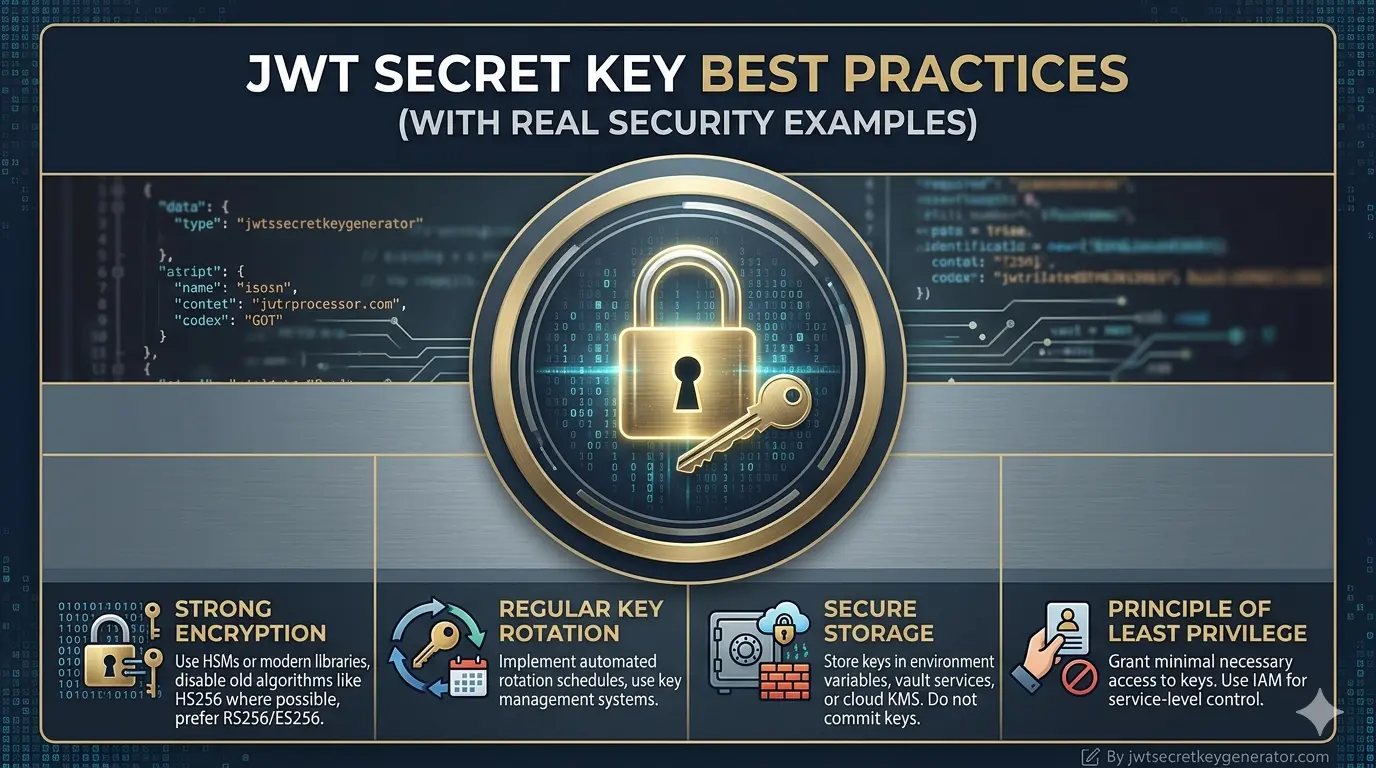
Use a tool like jwtsecretkeygenerator.com to generate a cryptographically secure, truly random JWT secret key. These keys are based on OS-level randomness — significantly more secure than anything a human types. For the full checklist of what a strong JWT key looks like, see our JWT secret key best practices guide.
Frequently Asked Questions
Why do people keep using weak passwords despite knowing better?
The human brain is wired for convenience, not security. Cognitive overload from managing 70–80 online accounts, optimism bias ('it won't happen to me'), familiarity bias, and password fatigue all push people toward weak, predictable passwords. It's not carelessness — it's human psychology.
What is a credential stuffing attack?
A credential stuffing attack occurs when hackers take a leaked username and password from one website and automatically try it across hundreds of other websites. Because most users reuse the same password on 14+ websites on average, one leaked password can compromise many accounts.
What is the safest way to create and store passwords?
The safest approach is to use a password manager (such as Bitwarden or 1Password) that generates truly random, unique passwords for every website and stores them encrypted. You only need to remember one strong master password. Pair this with two-factor authentication (2FA) for maximum security.
What is a passphrase and why is it more secure?
A passphrase combines 3–4 random, unrelated words into a single password — for example, 'Purple-Mango-Cricket-7'. It is easy to remember, long enough to resist brute-force attacks, and much harder to guess than typical substitution-based passwords like 'P@ssw0rd'.
Conclusion
People struggle to create strong passwords because our brains prefer convenience, familiarity, and minimal effort. Optimism bias, cognitive load, the familiarity heuristic, and overconfidence all contribute to weak passwords. The solution isn't to "try harder" — it's to leave this task to machines.
🔐 Password managers, random key generators, and two-factor authentication — together, these three tools close the security gaps that human nature inevitably leaves behind. Being smart about security doesn't mean doing everything yourself — it means using the right tools. Start with jwtsecretkeygenerator.com for your JWT keys.