First Understand — What Is the Difference Between HTTP and HTTPS?
- Data travels in plain text
- No encryption
- Anyone on the network can see the data
- Like a postcard — anyone who handles it can read it
- Data is protected by TLS/SSL encryption
- Everything travels encrypted
- Even if intercepted on the network, it will not be readable
- Like a sealed envelope — only the receiver can open it
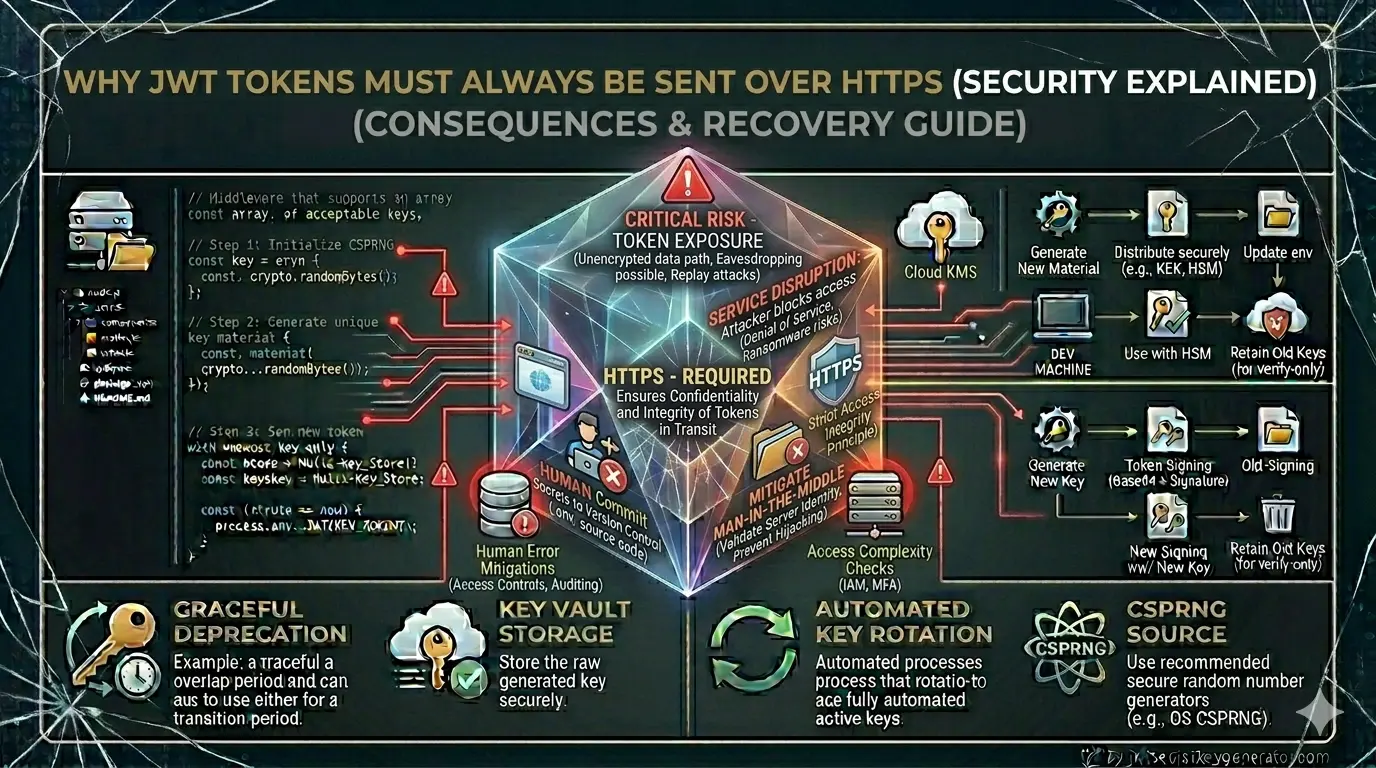
🔑 A JWT token is sensitive login information — just like a password. And just as you wouldn't send a password in plain text, a JWT should not be transmitted over HTTP.
4 Real Risks of Sending JWT Over HTTP
Man-in-the-Middle (MitM) Attack
This is the biggest danger of sending JWT over HTTP.
In a man-in-the-middle attack, an attacker positions themselves between the client and the server and intercepts the network traffic.
This attack on HTTP goes something like this:
- The user sends a JWT token from their laptop to the server.
- An attacker on the same network (e.g., a coffee shop's WiFi) captures the traffic.
- The JWT token is visible in plain text — the attacker reads it.
- The attacker uses the same token to send requests to the server.
- The server understands that this is a legitimate user — and accepts the request.
This type of attack is very common on public Wi-Fi networks. Hotels, airports, cafés — the risk is particularly high in all these places.
- User sends JWT token — but it's encrypted.
- Attacker captures traffic — but it all looks like gibberish.
- Token is unreadable without the decryption key.
- Attack fails.
Token Theft and Session Hijacking
Once the JWT token is intercepted over HTTP, the attacker can use it to hijack the entire session.
"Session hijacking" refers to a situation in which an attacker uses your valid token to impersonate you. The server believes that the request is coming from the real user, but in reality, it is coming from an attacker.
The consequences of this:
- The attacker can carry out transactions through your account
- Access your personal data
- Change your settings
- Send messages to other users on your behalf
The JWT token is stateless — the server has no session data to verify. Therefore, the server automatically trusts the token as soon as it receives a valid one.
Network Sniffing and Packet Analysis
With tools like Wireshark, one can analyze HTTP traffic on the same network.
HTTP Request Example (in Plain Text):
GET /api/user/profile HTTP/1.1
Host: yourapp.com
Authorisation: Bearer eyJhbGciOiJIUzI1NiIsInR5cCI6IkpXVCJ9.eyJ1c2VySWQiOjEyMywicm9sZSI6ImFkbWluIn0.abc123
This entire request will be in plain text across the network. Using Wireshark, you can clearly see the JWT token in the Authorisation header.
This is what the request looks like encrypted over HTTPS:
[Encrypted Data - TLSv1.3]
[Application Data]
...unreadable gibberish...
A network sniffer will only see encrypted bytes — no readable information.
Proxy Server and Corporate Network Risks
Many companies and ISPs (Internet Service Providers) use proxy servers that log HTTP traffic.
If your application uses HTTP:
- Corporate proxy servers can log every request — including JWT tokens
- Monitoring at the ISP level is possible
- Government surveillance is possible (in some countries)
HTTPS solves this problem as well — the proxy server can see the encrypted data, but not the content.
Relationship of JWT and HTTPS
A common misconception is that JWT itself is secure, so HTTPS isn't necessary. This is completely wrong. In fact, many developers fall into this trap — learn about other common JWT security mistakes that can compromise your application.
JWT security and HTTPS security are two different layers:
- Ensures that the token has not been tampered with
- Verifies the signature
- Proves that the token is authentic
- Ensures that the token is secure in transit
- Will not be intercepted on the network
- Protects against man-in-the-middle attacks
The two are complementary to each other — not substitutes.
💡 A simple analogy: A JWT is like a sealed letter; when you open it, you can tell if it has been tampered with. HTTPS is like an armored vehicle that delivers this letter securely. A sealed letter alone isn't enough — it also has to be delivered securely.
How to Implement HTTPS
Get an SSL Certificate
Free Option — Let's Encrypt:
# Install Certbot (Ubuntu)
sudo apt install certbot python3-certbot-nginx

# Generate Certificate
sudo certbot --nginx -d yourdomain.com -d www.yourdomain.com

# Setup auto-renewal
sudo certbot renew --dry-run
Paid Options & Automatic HTTPS:
Redirect HTTP to HTTPS
In Node.js/Express:
const express = require('express');
const app = express();

// HTTP to HTTPS redirect
app.use((req, res, next) => {
    if (req.headers['x-forwarded-proto'] !== 'https' &&
        process.env.NODE_ENV === 'production') {
        return res.redirect(301, 'https://' + req.headers.host + req.url);
    }
    next();
});
In Nginx configuration:
server {
    listen 80;
    server_name yourdomain.com www.yourdomain.com;

    # Redirect HTTP to HTTPS
    return 301 https://$server_name$request_uri;
}

server {
    listen 443 ssl;
    server_name yourdomain.com;

    ssl_certificate /etc/letsencrypt/live/yourdomain.com/fullchain.pem;
    ssl_certificate_key /etc/letsencrypt/live/yourdomain.com/privkey.pem;

    # JWT tokens will become secure
}
Add the HSTS Header
HSTS (HTTP Strict Transport Security) forces the browser to always use HTTPS.
// HSTS header in Express
app.use((req, res, next) => {
    res.setHeader(
        'Strict-Transport-Security',
        'max-age=31536000; includeSubDomains; preload'
    );
    next();
});
Or from Helmet.js (recommended):
const helmet = require('helmet');
app.use(helmet()); // HSTS is automatically set
Benefits of HSTS:
Secure Flag — In Cookies
If storing the JWT token in cookies, be sure to set the secure flag:
res.cookie('accessToken', token, {
    httpOnly: true,
    secure: true,        // will only be sent over HTTPS
    sameSite: 'Strict',
    maxAge: 15 * 60 * 1000
});
With the secure: true flag, the browser will never send this cookie over HTTP — no matter what the HTTP request is.
Sending Token in Authorization Header
It is safe to send a token in the Authorization header over HTTPS:
// Client side (Axios example)
axios.defaults.baseURL = 'https://yourapi.com'; // always HTTPS

const response = await axios.get('/api/profile', {
    headers: {
        'Authorization': `Bearer ${accessToken}`
    }
});

// Server side verification
function authenticateToken(req, res, next) {
    const authHeader = req.headers['authorization'];
    const token = authHeader && authHeader.split(' ')[1];

    if (!token) return res.status(401).json({ message: 'No token' });

    try {
        const decoded = jwt.verify(token, process.env.JWT_SECRET, {
            algorithms: ['HS256']
        });
        req.user = decoded;
        next();
    } catch (err) {
        res.status(403).json({ message: 'Invalid token' });
    }
}
Development vs. Production
// Allow HTTP in Development
if (process.env.NODE_ENV !== 'production') {
    // Local development over HTTP is okay
}
// Always enforce HTTPS in Production
if (process.env.NODE_ENV === 'production') {
    app.use((req, res, next) => {
        if (req.protocol !== 'https') {
            return res.redirect(301,
                `https://${req.hostname}${req.url}`);
        }
        next();
    });
}
Complete Security Checklist with HTTPS
algorithms: ['HS256']Mixed Content — A Hidden Risk
If your site is on HTTPS but a resource is being loaded via HTTP, this is called Mixed Content.
<!-- HTTP image on HTTPS page — Wrong -->
<img src="http://example.com/image.jpg">
<!-- HTTPS API call — Correct -->
fetch('https://api.yourapp.com/data')
Mixed content allows attackers to access partial information. If you see Mixed Content warnings in the browser console, fix them immediately.
Frequently Asked Questions
Why should JWT tokens be sent over HTTPS?
JWT tokens are sensitive authentication credentials. Sending them over HTTP means they travel in plain text and can be intercepted by anyone on the same network using tools like Wireshark. HTTPS encrypts the entire connection with TLS, making intercepted traffic unreadable. A JWT token sent over HTTP can be stolen and used to hijack the entire user session.
Is JWT itself enough for security without HTTPS?
No. JWT and HTTPS provide security at two different layers. JWT ensures the token hasn't been tampered with (integrity). HTTPS ensures the token is protected during transport (confidentiality). Both are complementary — not substitutes. Without HTTPS, even a perfectly signed JWT can be stolen in transit.
What is a man-in-the-middle attack on JWT?
In a man-in-the-middle attack over HTTP, an attacker on the same network (e.g., public Wi-Fi) intercepts the network traffic between the client and server, reads the JWT token in plain text, and then replays that token to the server to impersonate the legitimate user. HTTPS prevents this by encrypting the traffic so the token is unreadable even if intercepted.
How do I force HTTPS for JWT authentication in Node.js?
In Node.js/Express, check the x-forwarded-proto header and redirect HTTP to HTTPS in production. Add HSTS headers using Helmet.js. Set secure:true on JWT cookies so they are never sent over HTTP. Always use https:// base URLs in your API clients. Use Let's Encrypt (free) or a cloud platform like Vercel or Netlify that enables HTTPS automatically.