Why Is Key Rotation Important?
Regularly renewing the JWT secret key is a critical security measure recommended by the OWASP JWT Security Cheat Sheet. Here are the main triggers:
- The secret key was accidentally leaked (e.g., uploaded to GitHub) — see our guide on what to do when your JWT secret is accidentally pushed to GitHub
- The company's security policy requires rotation every 30/60/90 days
- A team member who had access to the key has left the company
- There is suspicion of suspicious or unauthorized activity
- Keys used over long periods become vulnerable to cryptanalysis attacks
🚨 The problem: If you simply replace the old key with the new one, all tokens signed with the old key become invalid — every logged-in user is suddenly logged out. That's a very poor user experience.
Solution: Dual Key / Graceful Rotation Strategy
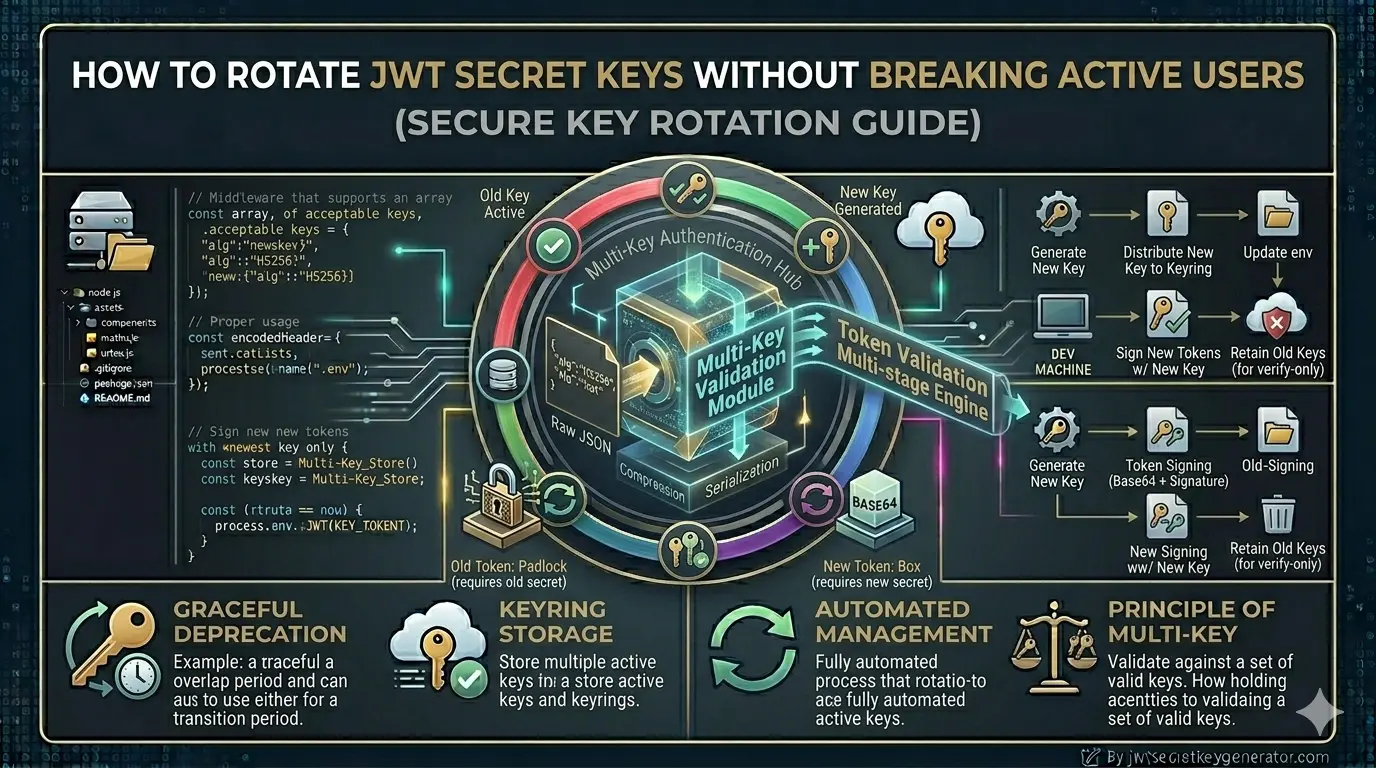
The solution is to support two keys simultaneously during a transition period. This is known as dual key rotation or graceful key rotation.
- Only KEY_A is active
- All new tokens are signed with KEY_A
- Verification also occurs with KEY_A
- Generate a new KEY_B
- New tokens are now signed with KEY_B
- Verification is performed with both KEY_A and KEY_B
- Old tokens signed with KEY_A remain valid
- All tokens signed with KEY_A have expired naturally
- Retire KEY_A
- Only KEY_B remains active
✅ Result: Rotation is completed without disturbing any users. No forced logouts.
Step-by-Step Implementation in Node.js
Keep Both Keys in Environment Variables
Add both the new and old secret keys to your .env file. If you need a refresher on safely managing .env files, see our full guide on how to store JWT secrets using environment variables.
# Current (new) key — use for signing all new tokens
JWT_SECRET_CURRENT=new_strong_key_B_generated_from_jwtsecretkeygenerator

# Old key — kept only during grace period
JWT_SECRET_OLD=old_key_A_that_was_previously_active

JWT_EXPIRES_IN=15m
💡 Note: To generate secure keys, use jwtsecretkeygenerator.com. With just one click, you can generate a cryptographically secure random key.
Generate a Token — Always With the New Key
All new tokens are always signed with JWT_SECRET_CURRENT:
const jwt = require('jsonwebtoken');
require('dotenv').config();

function generateAccessToken(payload) {
    return jwt.sign(payload, process.env.JWT_SECRET_CURRENT, {
        expiresIn: process.env.JWT_EXPIRES_IN,
        algorithm: 'HS256'
    });
}
Verify the Token — Try Both Keys
This is the most important step. Try the new (current) key first, and if that fails, fall back to the old key:
function verifyToken(token) {
    // Try current key first
    try {
        const decoded = jwt.verify(token, process.env.JWT_SECRET_CURRENT, {
            algorithms: ['HS256']
        });
        return { valid: true, decoded, keyUsed: 'current' };
    } catch (err) {
        // Current key failed — try old key
    }

    // Fallback to old key (grace period)
    try {
        if (process.env.JWT_SECRET_OLD) {
            const decoded = jwt.verify(token, process.env.JWT_SECRET_OLD, {
                algorithms: ['HS256']
            });
            return { valid: true, decoded, keyUsed: 'old' };
        }
    } catch (err) {
        // Both keys failed — token is invalid
    }

    return { valid: false, decoded: null };
}
Use in Authentication Middleware
The middleware below has a smart feature: when a token signed with the old key is verified, a new token is automatically issued in the response header so the client is seamlessly updated.
function authenticateToken(req, res, next) {
    const authHeader = req.headers['authorization'];
    const token = authHeader && authHeader.split(' ')[1];

    if (!token) {
        return res.status(401).json({ message: 'No token provided' });
    }

    const result = verifyToken(token);

    if (!result.valid) {
        return res.status(403).json({ message: 'Invalid or expired token' });
    }

    req.user = result.decoded;

    // Seamless re-issuance: if old key was used, send a new token
    if (result.keyUsed === 'old') {
        const freshPayload = {
            id: result.decoded.id,
            email: result.decoded.email
        };
        const newToken = generateAccessToken(freshPayload);
        res.setHeader('Authorization', `Bearer ${newToken}`);
    }

    next();
}
Client-side: intercept the updated token (Axios example):
axios.interceptors.response.use((response) => {
    const newToken = response.headers['authorization'];
    if (newToken) {
        localStorage.setItem('accessToken', newToken.split(' ')[1]);
    }
    return response;
});
Rotation Process — Step-by-Step Timeline
- Generate a new secure secret key at jwtsecretkeygenerator.com
- Set
JWT_SECRET_OLD= old secret in the.envfile - Set
JWT_SECRET_CURRENT= new secret - Redeploy the application
- New tokens use the new secret; old tokens remain valid
- Confirm all access tokens have passed their expiry time
- Remove
JWT_SECRET_OLDfrom.env - Redeploy the application
- Rotation complete ✅
How Often Should You Rotate?
Rotation frequency depends on your application's risk profile. For a deeper look at key lifespans, read our post on how long a JWT secret key lasts before it needs to be changed.
| Application Type | Recommended Frequency | Priority |
|---|---|---|
| Normal applications | Every 90 days | Low |
| High-security applications | Every 30 days | Medium |
| Enterprise / Financial apps | Every 30 days or less | High |
| Emergency (key leak) | Immediately — no grace period | Critical |
Production Best Practices
HashiCorp Vault, AWS Secrets Manager, Google Secrets Manager, or Doppler support automatic key rotation with access control.
kid)
Add a kid field to the JWT header so the server instantly knows which key to use for verification.
Log every rotation event — when it happened, who triggered it, and which key was retired.
When the application starts, check that all required environment variables are present before accepting requests.
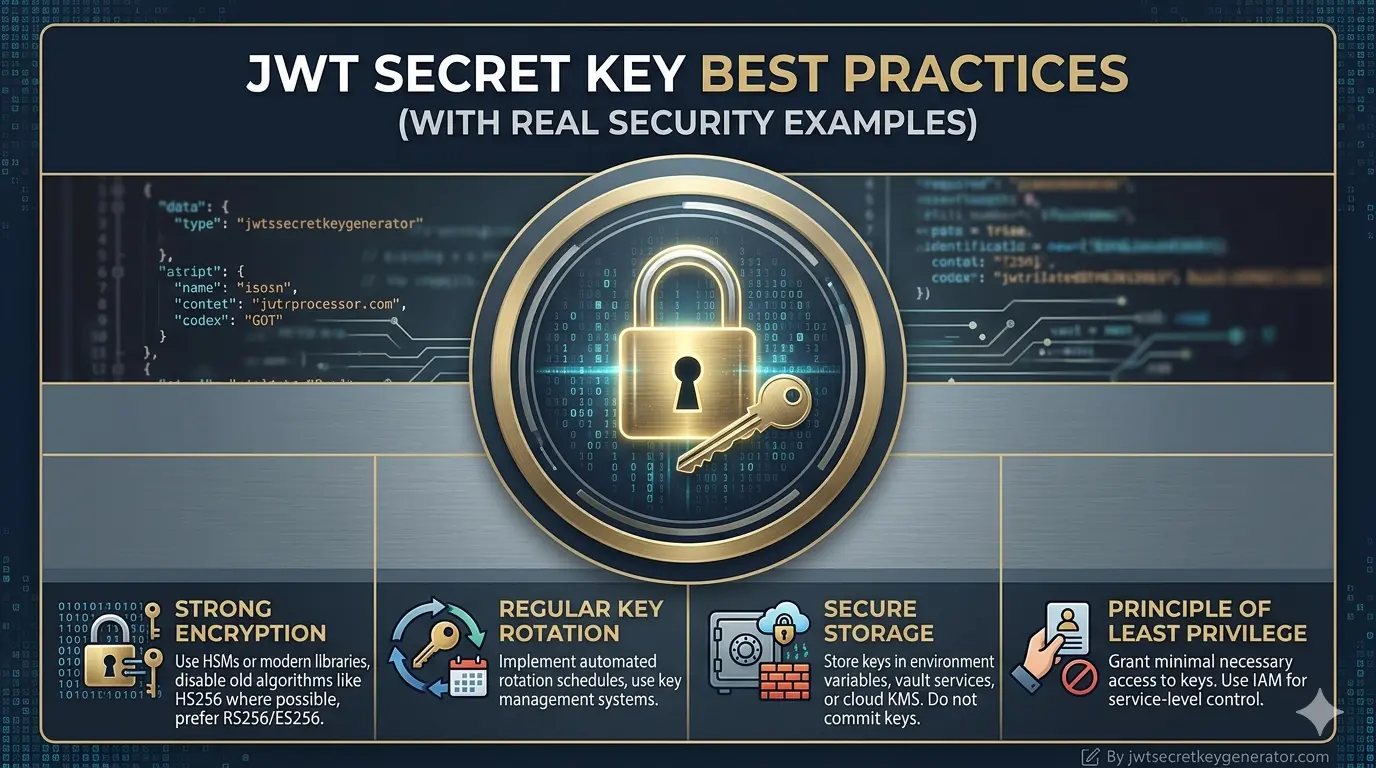
For a comprehensive overview of key standards, see our post on JWT secret key best practices.
Using kid (Key ID) in practice:
// Signing with a key ID
const token = jwt.sign(payload, process.env.JWT_SECRET_CURRENT, {
    expiresIn: '15m',
    algorithm: 'HS256',
    keyid: 'key-2026-v2'
});

// Verifying — read the kid first
const decoded = jwt.decode(token, { complete: true });
const keyId = decoded.header.kid;
// Select the correct key based on keyId
Emergency Key Rotation — When the Key Leaks
In an emergency, a gentle approach is not appropriate — safety takes precedence over user-friendliness. Act immediately:
// Emergency: revoke ALL refresh tokens at once
await RefreshToken.deleteMany({});
// All users must now log in fresh
Frequently Asked Questions
What is JWT key rotation?
JWT key rotation is the process of replacing an old JWT secret key with a new one. A graceful rotation strategy uses two keys simultaneously during a transition period so that active users are not logged out.
How do I rotate JWT secret keys without logging out users?
Use a dual key strategy: set the new key as JWT_SECRET_CURRENT and keep the old key as JWT_SECRET_OLD. Sign all new tokens with the current key. During verification, try the current key first, then fall back to the old key. After the grace period (typically 7 days), remove the old key.
How often should JWT secret keys be rotated?
For normal applications, rotate every 90 days. For high-security or financial applications, every 30 days or less. In an emergency (key leak), rotate immediately without a grace period and require all users to log in again.
What is the kid (Key ID) field in JWT?
The kid (Key ID) field is an optional header in JWT that identifies which key was used to sign the token. During key rotation, this allows the server to immediately select the correct key for verification without trying multiple keys.
Conclusion
JWT secret key rotation is a practice that most developers ignore — but it is crucial for production security. Using a dual key strategy allows you to gracefully rotate keys without disturbing any users. Keep the old key active during the grace period, issue all new tokens with the new key, and retire the old key once all old tokens have expired.
🔐 Start every rotation with a strong key. Visit jwtsecretkeygenerator.com to generate a cryptographically secure JWT secret key with a single click — free, browser-based, and your key never leaves your device.