What is JWT and Why Is the Secret Key Important?
A JWT (JSON Web Token) is a token used for user authentication. When a user logs in, the server generates a JWT and sends it to the client. This token consists of three parts: header, payload, and signature.
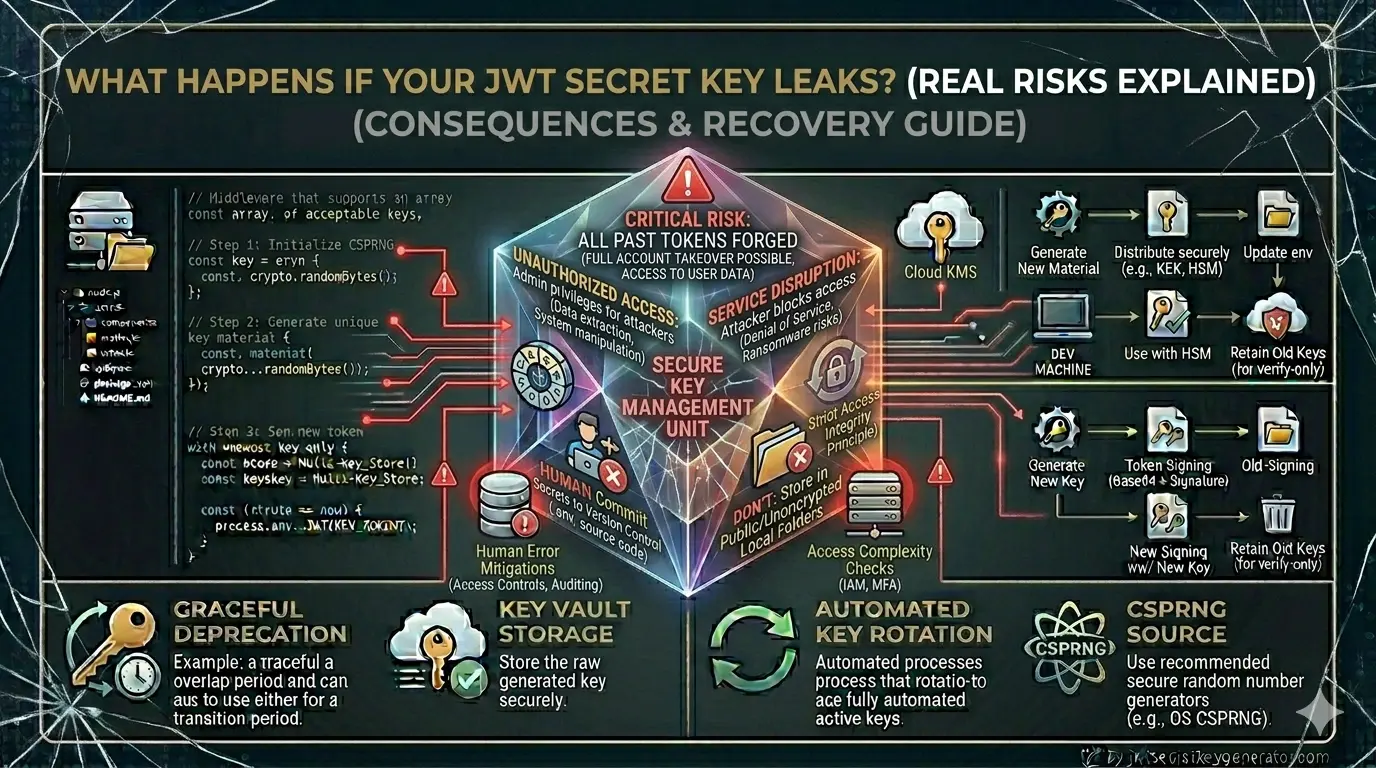
The signature is the most critical part. It is generated using your secret key. If someone obtains your secret key, they can create forged tokens and steal your users' data.
⚠️ That is exactly why handling the secret key properly is non-negotiable. A single security mistake at this level can compromise your entire application and every user account within it.
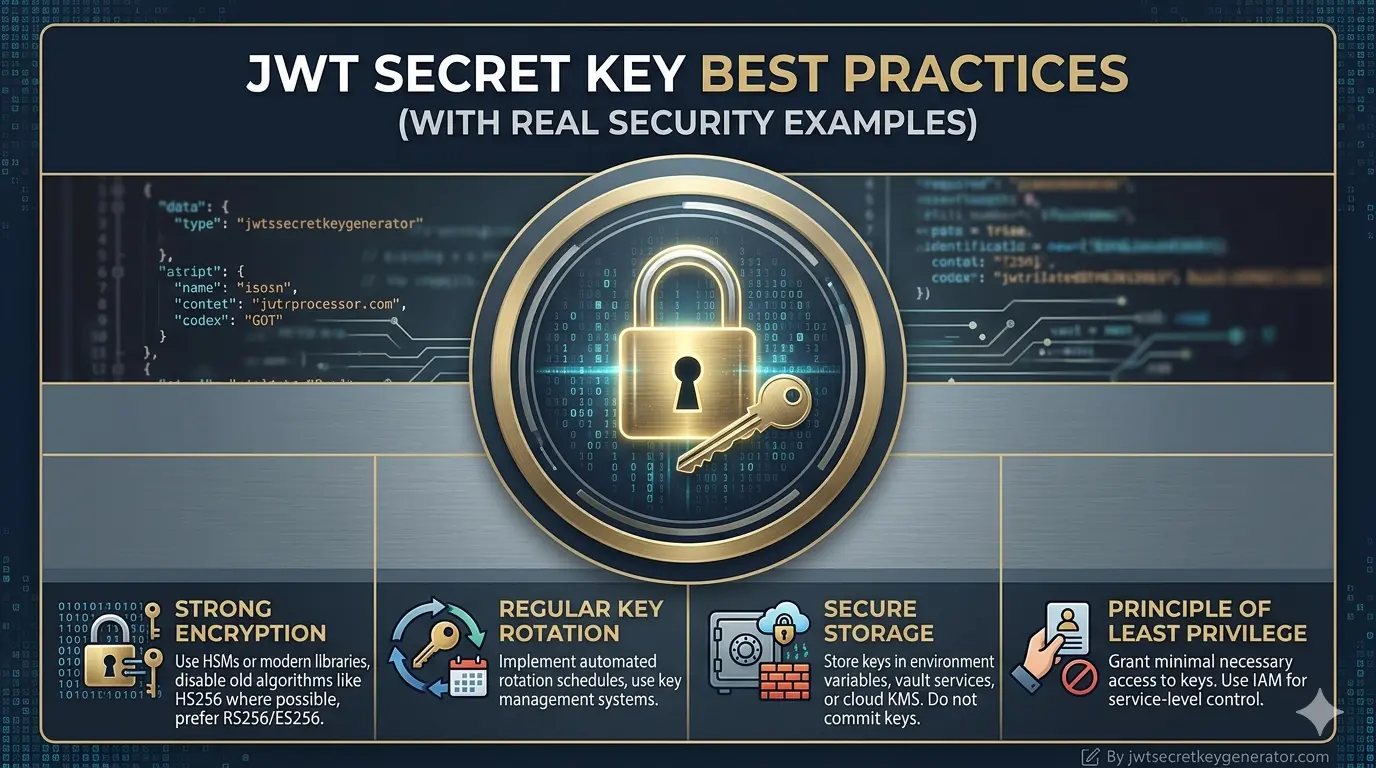
8 Essential Best Practices
Always Use a Strong and Long Secret Key
The first and most important rule: your secret key should never be simple or short. Weak keys can be cracked in seconds using brute-force attacks.
SECRET_KEY = "mykey"
SECRET_KEY = "password123"
SECRET_KEY = "jwt_secret"
SECRET_KEY = "a3F$k9#mP2@nQ8!xZ5
&wR7*vT1^yU6%sL4..."
A good secret key should be at least 256 bits (32 characters) long. It should be random and contain a mix of numbers, letters, and special characters.
💡 Pro Tip: Use jwtsecretkeygenerator.com to generate a cryptographically secure random key instantly — no setup required.
Never Hardcode the Secret Key in Your Code
Many developers make the critical mistake of embedding their secret key directly in the source code. If your repository is ever public or leaked, your key is visible to everyone.
const jwt = require('jsonwebtoken');
const token = jwt.sign(
{ userId: 123 },
"myHardcodedSecret123"
);
const jwt = require('jsonwebtoken');
const token = jwt.sign(
{ userId: 123 },
process.env.JWT_SECRET
);
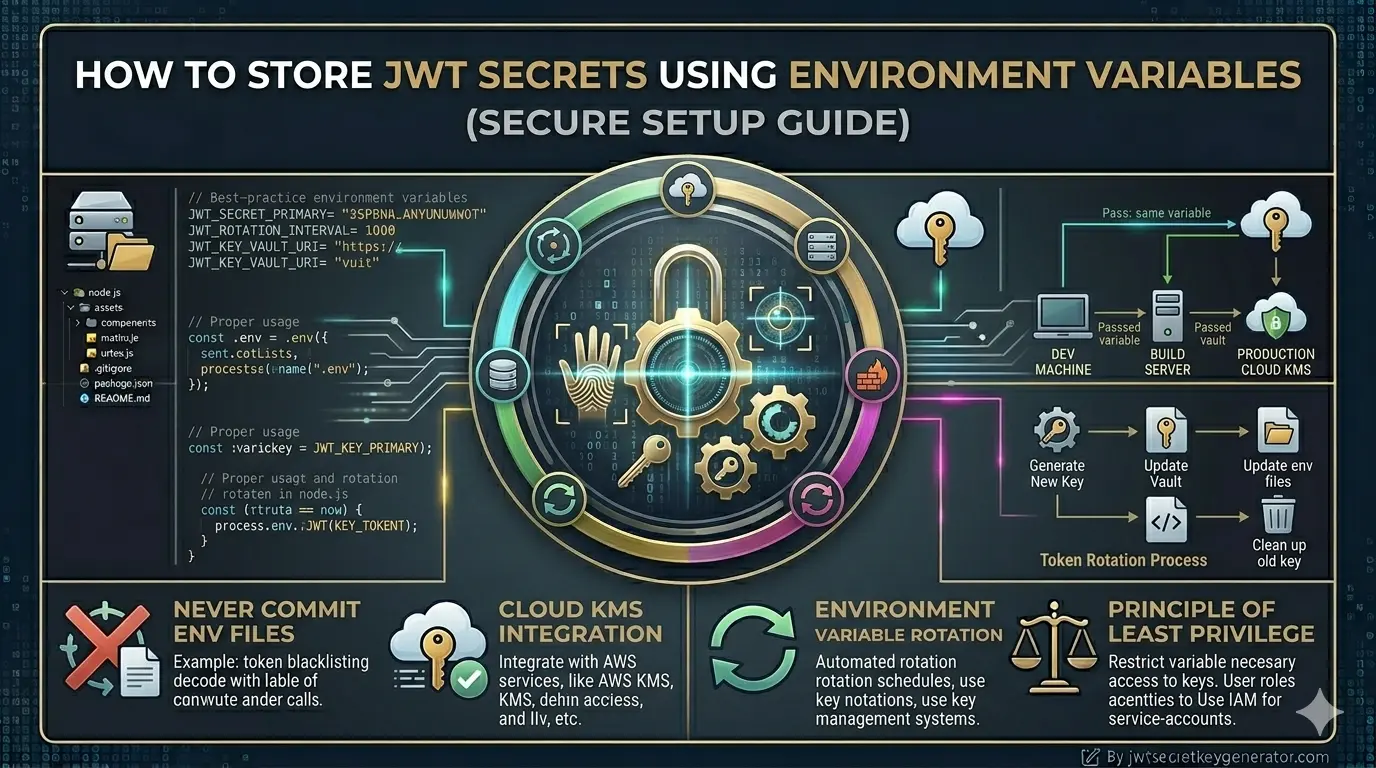
Always store the secret key in an environment variable. This keeps your key completely separate from your codebase and safe from accidental exposure.
Add Your .env
File to .gitignore
Simply creating a .env
file is not enough. If you forget to add it to .gitignore, it could be accidentally pushed
to GitHub along with your entire project.
Add this line to your .gitignore
file:
.env
.env.local
.env.production
⚠️ Important: This is a small step, but it prevents one of the most common and damaging secret key exposures in development history. Many real-world data breaches have started exactly this way.
Use Different Keys for Different Environments
Your development, staging, and production environments should each have their own separate secret keys. This way, even if a key is exposed in your dev environment, your production data remains completely secure.
JWT_SECRET=dev_key_xxxxxxxxxxxxx
JWT_SECRET=prod_key_yyyyyyyyyyyyyyy
This environment isolation ensures that a data breach in development never cascades into a production incident.
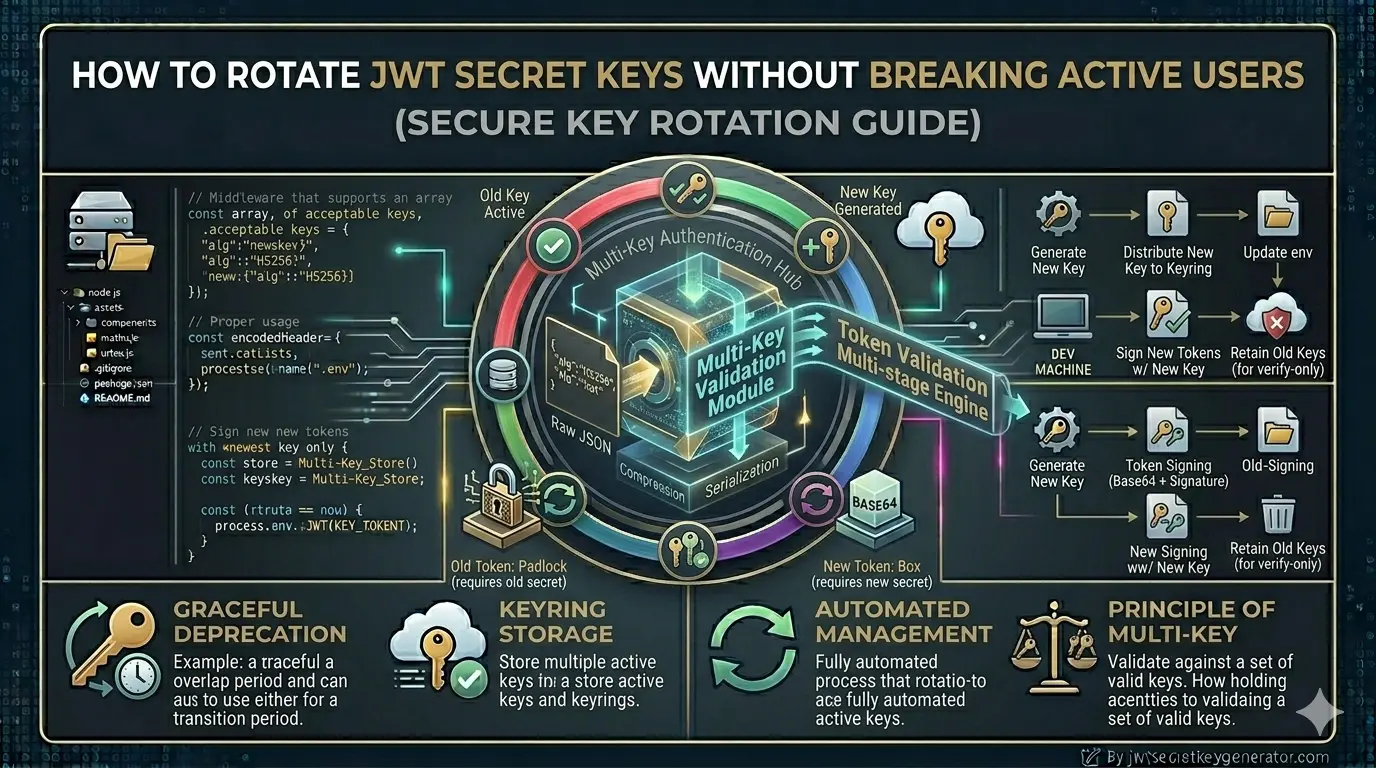
Rotate Your Secret Key Regularly
Using the same secret key indefinitely is a security risk. Changing your key on a regular schedule is known as key rotation.
Practical example: If your current key is ever exposed or compromised, generate a new key immediately and require all users to log in again. This automatically invalidates all tokens signed with the old key.
📅 Rotation Schedule: Some companies rotate keys every 30 days; others do so every 90 days. The right frequency depends on your application's security requirements and the sensitivity of the data being protected.
Choose the Right Signing Algorithm
Two main types of algorithms are used for signing JWT tokens. Choosing the wrong one for your architecture is a common mistake.
| Algorithm | Type | Key Used For | Best For |
|---|---|---|---|
| HS256 | Symmetric | Same key for signing & verification | Small to medium applications |
| RS256 | Asymmetric | Private key signs, public key verifies | Large, distributed systems & microservices |
If your application is simple and self-contained, HS256 is perfectly sufficient—just ensure you use a strong secret key. If multiple independent services need to verify tokens, consider upgrading to RS256.
Always Set a Token Expiry Time
Although this is not directly related to the secret key itself, it is critical for overall JWT security. A token without an expiry lives forever—if it is ever stolen, the attacker has permanent access.
jwt.sign(
{ userId: 123 },
process.env.JWT_SECRET
);
jwt.sign(
{ userId: 123 },
process.env.JWT_SECRET,
{ expiresIn: '1h' }
);
Short-lived tokens are significantly more secure. Even if a token is intercepted or stolen, it expires quickly and becomes useless to the attacker. Learn more in our guide on Production-Ready JWT Authentication in Node.js.
Always Meet the Minimum Key Length for Your Algorithm
Each HMAC algorithm has a minimum recommended key length. Using a shorter key than required significantly weakens the cryptographic security of your tokens.
| Algorithm | Minimum Key Length | Minimum Bytes | Security Level |
|---|---|---|---|
| HS256 | 256 bits | 32 bytes | Strong ✓ |
| HS384 | 384 bits | 48 bytes | Stronger ✓✓ |
| HS512 | 512 bits | 64 bytes | Maximum ✓✓✓ |
💡 Rule of thumb: The longer the key, the stronger the security. When in doubt, always go with 256 bits or higher. Performance impact is negligible.
Frequently Asked Questions
What is the minimum length for a JWT secret key?
The minimum recommended length is 256 bits (32 bytes) for HS256, 384 bits (48 bytes) for HS384, and 512 bits (64 bytes) for HS512. Never use a key shorter than 256 bits in production environments.
Should I hardcode my JWT secret key in my source code?
Never hardcode your JWT secret key. Always store it in an environment
variable using a .env file and access it via
process.env.JWT_SECRET. Make sure the .env file is listed in
your .gitignore to prevent accidental exposure in version control.
How often should I rotate my JWT secret key?
The frequency depends on your application's security requirements. Many companies rotate keys every 30 to 90 days. If a key is ever compromised, rotate it immediately and force all users to re-authenticate to invalidate any existing tokens.
What is the difference between HS256 and RS256?
HS256 is a symmetric algorithm that uses the same secret key for both signing and verifying tokens—suitable for single applications. RS256 is an asymmetric algorithm that uses a private key to sign and a public key to verify, making it better suited for large distributed systems where multiple services verify tokens independently.
Conclusion
The JWT secret key forms the foundation of your application's authentication security. A weak or improperly managed key leaves your entire system—and every user within it—vulnerable to attack.
Follow these 8 best practices to keep your application secure:
- Always generate strong, long, random secret keys
- Store keys in environment variables — never in source code
- Add
.envto your.gitignorefile - Use separate keys for development, staging, and production
- Rotate your keys regularly (every 30–90 days)
- Choose the right algorithm for your architecture (HS256 vs RS256)
- Always set an expiration time on your tokens
- Meet the minimum key length required by your chosen algorithm
🔐 Ready to generate a secure key? Visit jwtsecretkeygenerator.com to get a cryptographically secure, production-ready JWT secret key with a single click — 100% free and browser-based. Even minor security flaws can lead to significant losses, so start applying these practices in your development workflow today.